

Authentication
To access the Tilebox API, you must authenticate your requests. This guide explains how authentication works, focusing on API keys used as bearer tokens.
Creating an API key
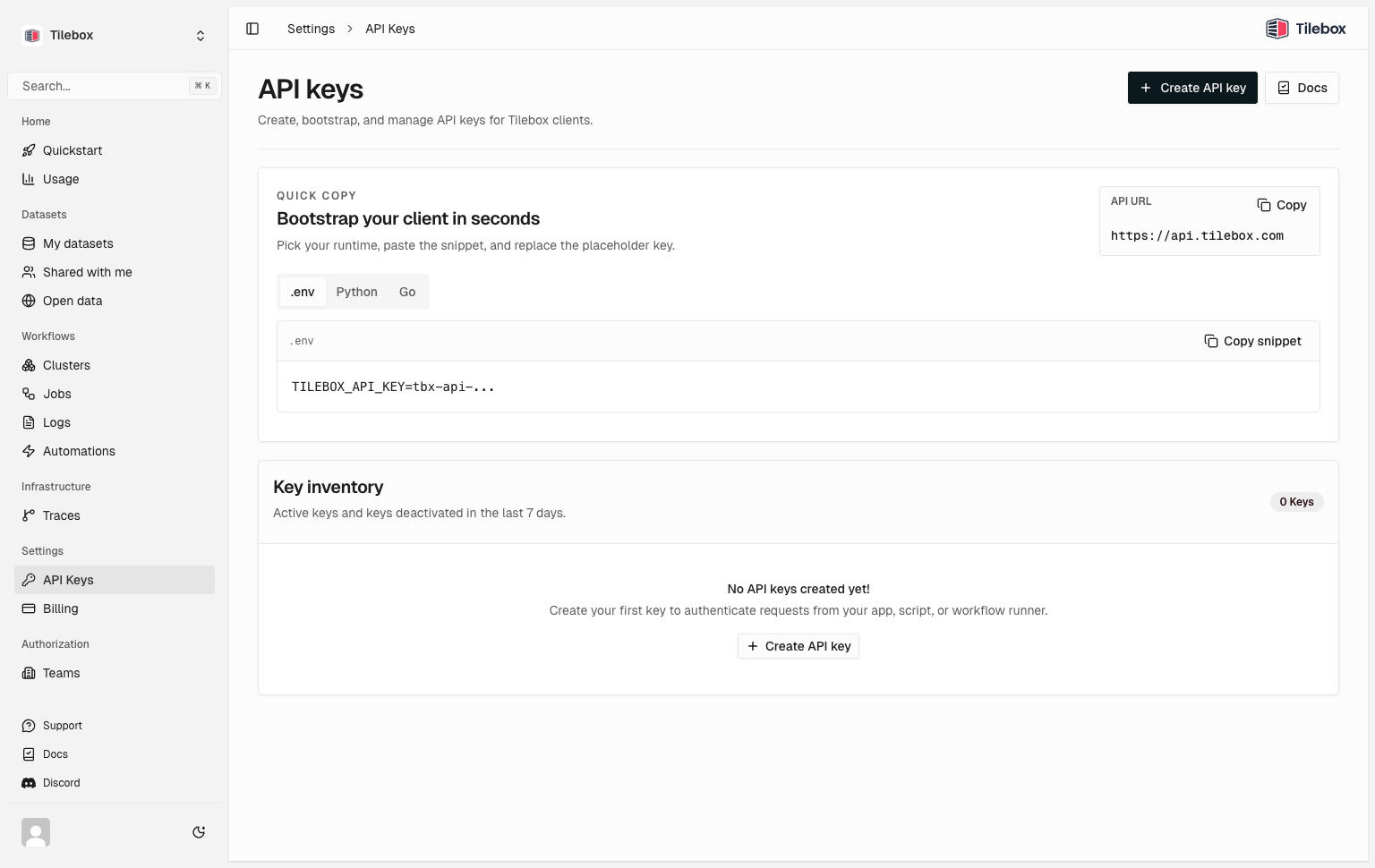
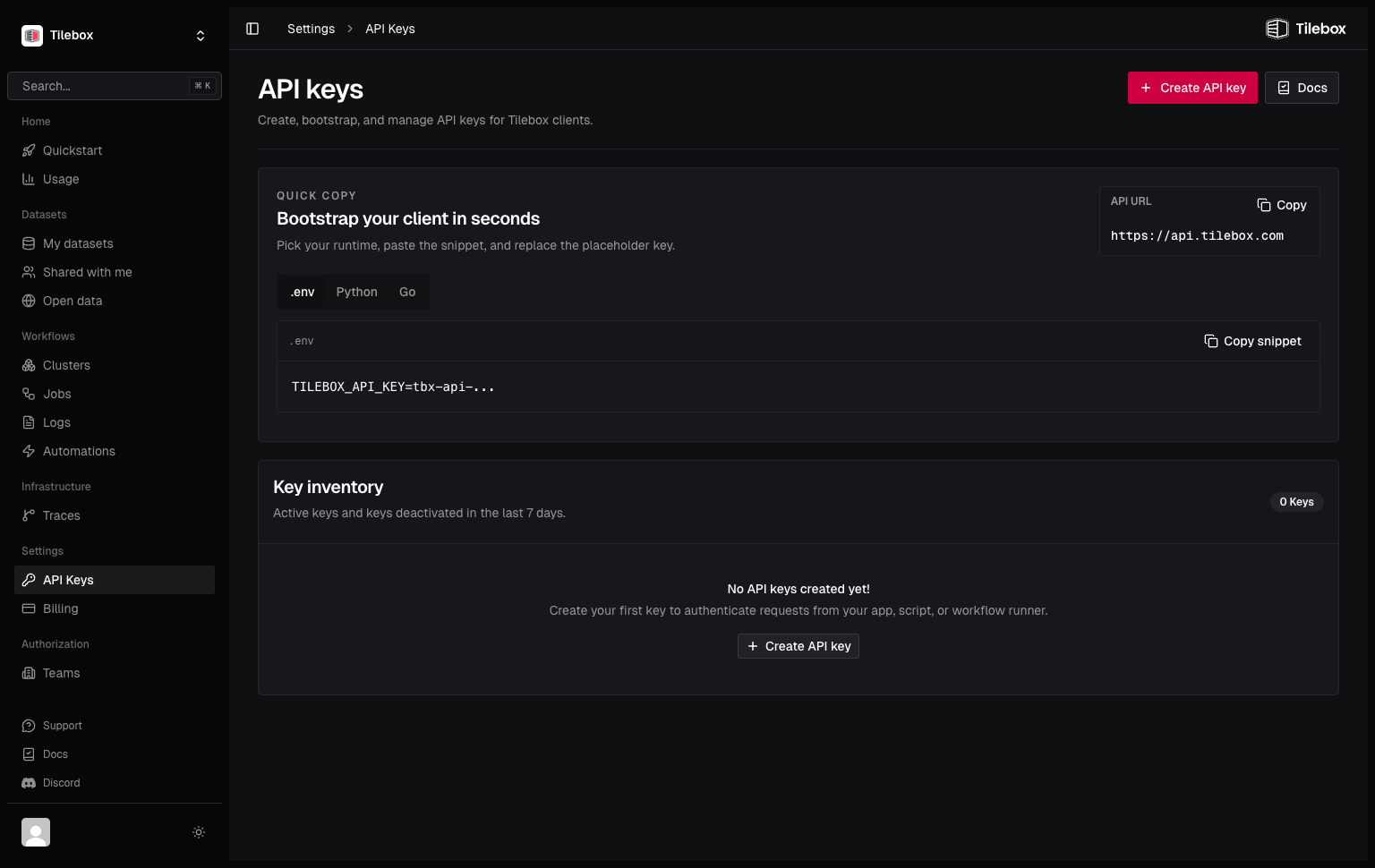
To create an API key, log into the Tilebox Console. Navigate to Settings → API Keys and click the “Create API Key” button.
Set up environment variable
Set TILEBOX_API_KEY in your shell environment (optional but recommended). That way, the CLI and SDK clients automatically pick it up.
The following commands persist the variable for future terminal sessions and also make it available in the current session.
echo 'export TILEBOX_API_KEY="<tbx-api-...>"' >> ~/.bashrc
source ~/.bashrcecho 'export TILEBOX_API_KEY="<tbx-api-...>"' >> ~/.zshrc
source ~/.zshrcset -Ux TILEBOX_API_KEY "<tbx-api-...>"[Environment]::SetEnvironmentVariable("TILEBOX_API_KEY", "<tbx-api-...>", "User")
$env:TILEBOX_API_KEY = "<tbx-api-...>"Open a new terminal after setting the variable to confirm your shell loads it automatically. On Windows, restart Windows Terminal or your editor first so newly opened terminals inherit the saved user environment.
Manual SDK authentication
In case you didn’t configure your shell environment, you can also pass your API key as the token parameter when creating an instance of the SDK clients.
from tilebox.datasets import Client as DatasetsClient
from tilebox.workflows import Client as WorkflowsClient

datasets_client = DatasetsClient(token="<tbx-api-...>")
workflows_client = WorkflowsClient(token="<tbx-api-...>")import (
"github.com/tilebox/tilebox-go/datasets/v1"
"github.com/tilebox/tilebox-go/workflows/v1"
)
datasetsClient := datasets.NewClient(datasets.WithAPIKey("<tbx-api-...>"))
workflowsClient := workflows.NewClient(workflows.WithAPIKey("<tbx-api-...>"))