---
title: "Authentication"
description: "To access the Tilebox API, you must authenticate your requests. This guide explains how authentication works, focusing on API keys used as bearer tokens."
image: "https://tilebox.com/images/tilebox-docs-social-preview.png"
---
> Documentation Index
> Fetch the complete documentation index at: https://tilebox.com/docs/llms.txt
> Use this file to discover all available pages before exploring further.
# Authentication
import { CodeGroup } from "@docs/components/ui/code-group";
import { Frame } from "@docs/components/ui/frame";
## Creating an API key
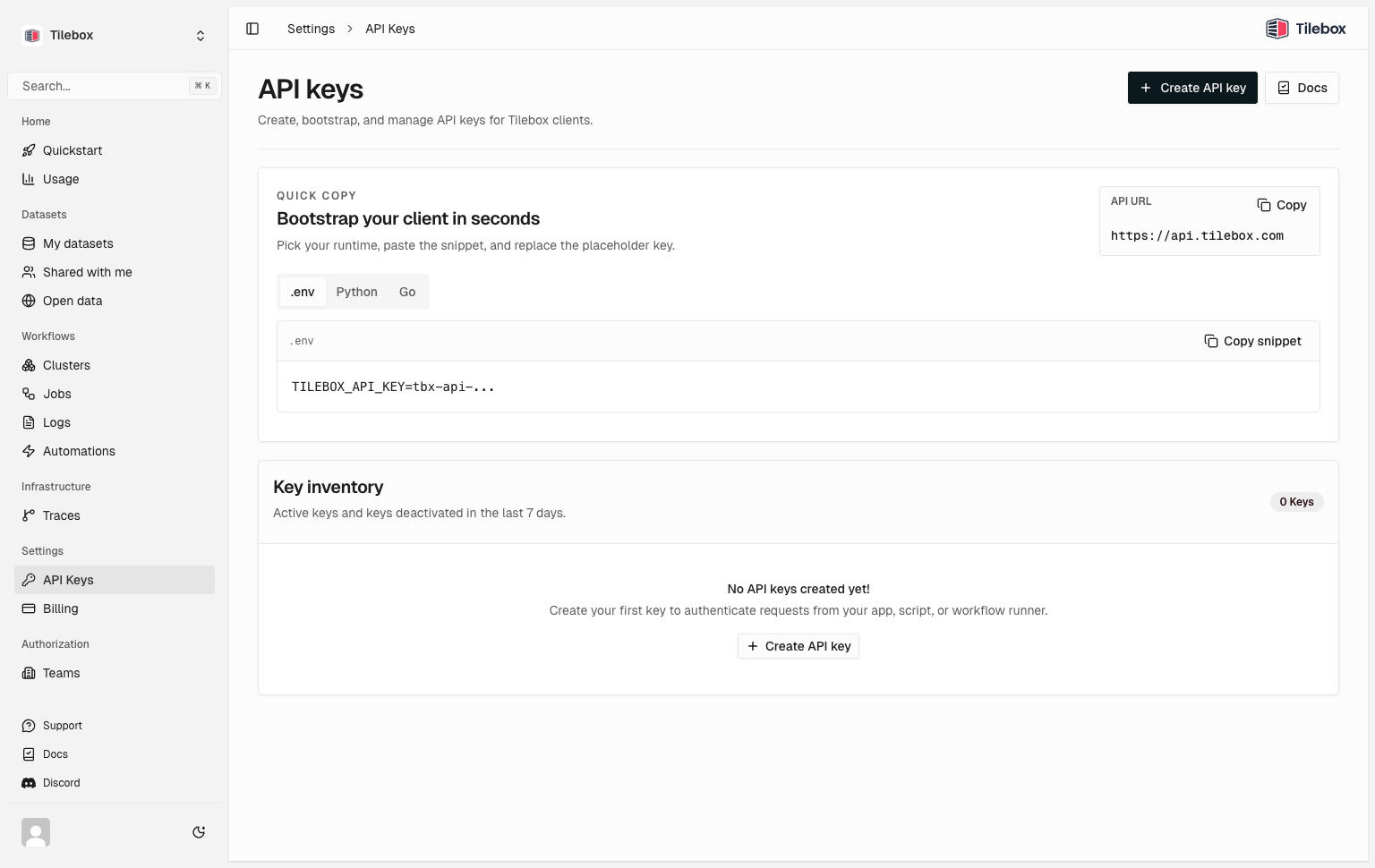
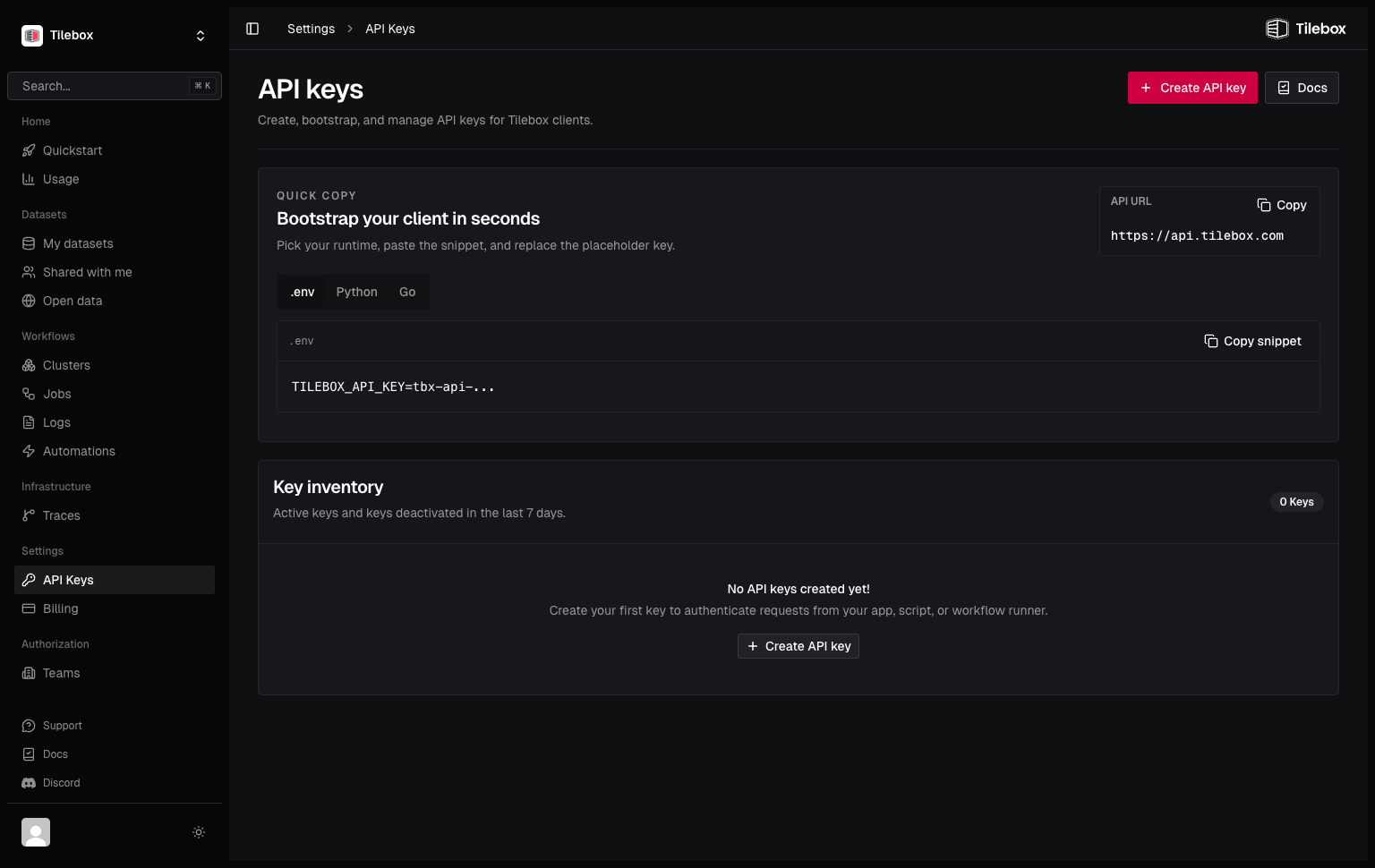
To create an API key, log into the [Tilebox Console](https://console.tilebox.com). Navigate to [Settings → API Keys](https://console.tilebox.com/settings/api-keys) and click the "Create API Key" button.
:::note
Keep your API keys secure. Deactivate any keys if you suspect they have been compromised.
:::
 ## Set up environment variable
Set `TILEBOX_API_KEY` in your shell environment (optional but recommended). That way, the [CLI](/docs/cli) and SDK clients automatically pick it up.
The following commands persist the variable for future terminal sessions and also make it available in the current session.
```bash title="Bash"
echo 'export TILEBOX_API_KEY=""' >> ~/.bashrc
source ~/.bashrc
```
```zsh title="Zsh"
echo 'export TILEBOX_API_KEY=""' >> ~/.zshrc
source ~/.zshrc
```
```fish title="Fish"
set -Ux TILEBOX_API_KEY ""
```
```powershell title="PowerShell"
[Environment]::SetEnvironmentVariable("TILEBOX_API_KEY", "", "User")
$env:TILEBOX_API_KEY = ""
```
Open a new terminal after setting the variable to confirm your shell loads it automatically.
## Manual SDK authentication
In case you didn't configure your shell environment, you can also pass your API key as the `token` parameter when creating an instance of the SDK clients.
```python title="Python"
from tilebox.datasets import Client as DatasetsClient
from tilebox.workflows import Client as WorkflowsClient
datasets_client = DatasetsClient(token="")
workflows_client = WorkflowsClient(token="")
```
```go title="Go"
import (
"github.com/tilebox/tilebox-go/datasets/v1"
"github.com/tilebox/tilebox-go/workflows/v1"
)
datasetsClient := datasets.NewClient(datasets.WithAPIKey(""))
workflowsClient := workflows.NewClient(workflows.WithAPIKey(""))
```
:::tip
If you set your API key as an environment variable named `TILEBOX_API_KEY`, you can skip the token parameter when creating a client.
:::
Source: https://tilebox.com/docs/authentication/index.mdx
## Set up environment variable
Set `TILEBOX_API_KEY` in your shell environment (optional but recommended). That way, the [CLI](/docs/cli) and SDK clients automatically pick it up.
The following commands persist the variable for future terminal sessions and also make it available in the current session.
```bash title="Bash"
echo 'export TILEBOX_API_KEY=""' >> ~/.bashrc
source ~/.bashrc
```
```zsh title="Zsh"
echo 'export TILEBOX_API_KEY=""' >> ~/.zshrc
source ~/.zshrc
```
```fish title="Fish"
set -Ux TILEBOX_API_KEY ""
```
```powershell title="PowerShell"
[Environment]::SetEnvironmentVariable("TILEBOX_API_KEY", "", "User")
$env:TILEBOX_API_KEY = ""
```
Open a new terminal after setting the variable to confirm your shell loads it automatically.
## Manual SDK authentication
In case you didn't configure your shell environment, you can also pass your API key as the `token` parameter when creating an instance of the SDK clients.
```python title="Python"
from tilebox.datasets import Client as DatasetsClient
from tilebox.workflows import Client as WorkflowsClient
datasets_client = DatasetsClient(token="")
workflows_client = WorkflowsClient(token="")
```
```go title="Go"
import (
"github.com/tilebox/tilebox-go/datasets/v1"
"github.com/tilebox/tilebox-go/workflows/v1"
)
datasetsClient := datasets.NewClient(datasets.WithAPIKey(""))
workflowsClient := workflows.NewClient(workflows.WithAPIKey(""))
```
:::tip
If you set your API key as an environment variable named `TILEBOX_API_KEY`, you can skip the token parameter when creating a client.
:::
Source: https://tilebox.com/docs/authentication/index.mdx