

Logging
Emit structured task logs and tune how workflow clients export log records.
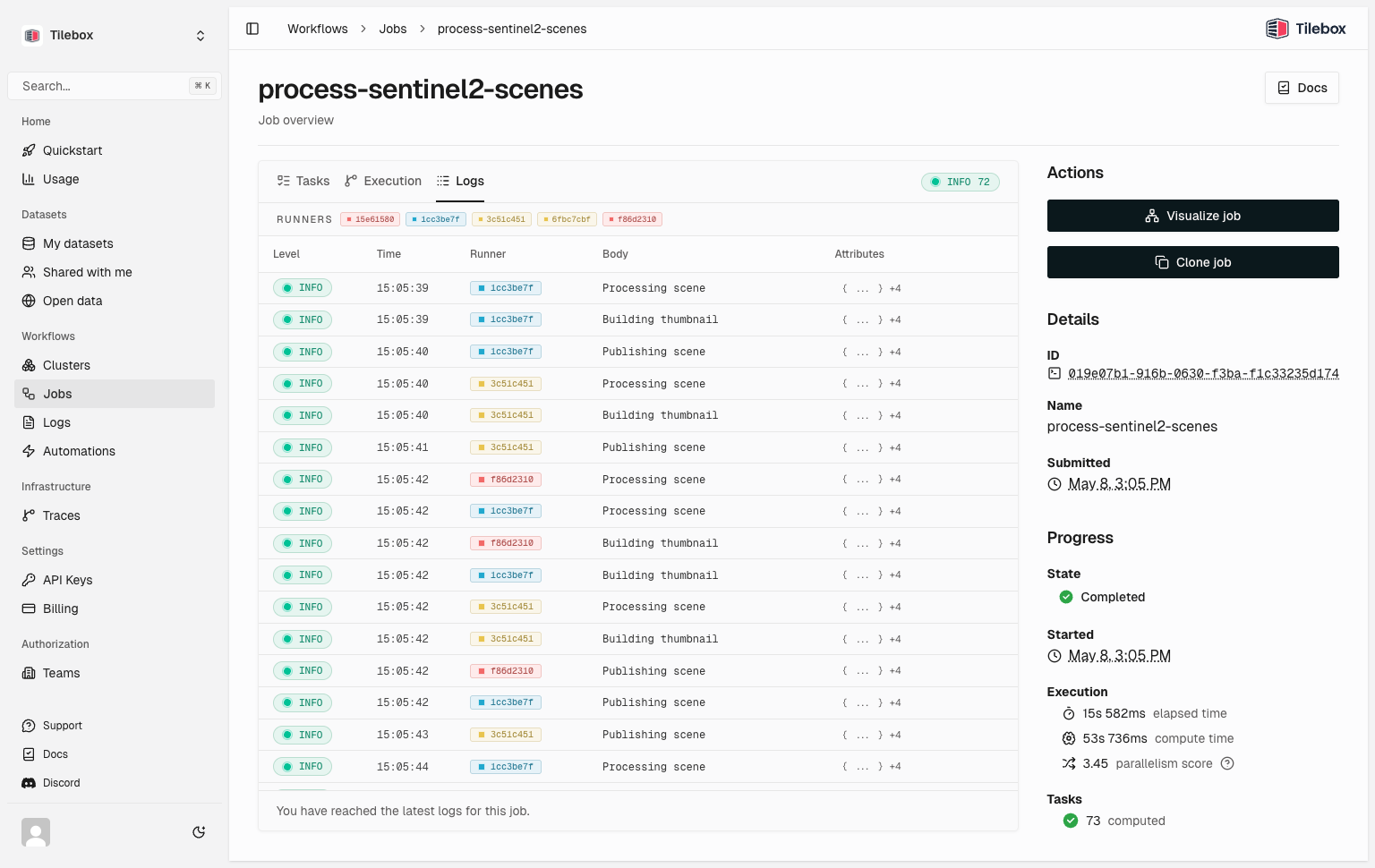
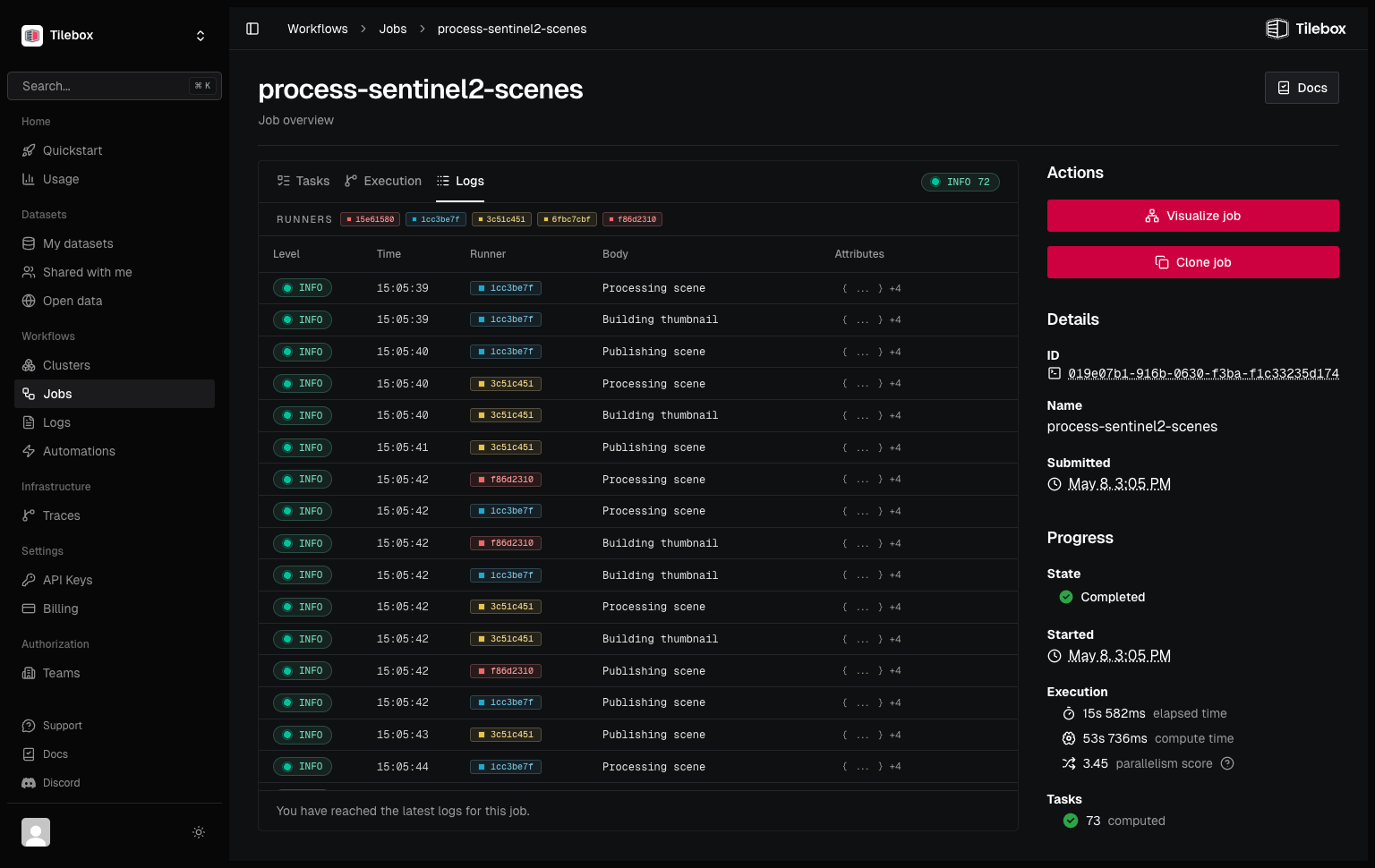
Tilebox collects workflow logs automatically. When a runner is created from a Client, logs emitted through the task execution context are exported to Tilebox and correlated with the active job, task, and trace.
Write task logs
Use context.logger inside Task.execute. It supports standard log levels and structured attributes.
from tilebox.workflows import ExecutionContext, Task

class ProcessScene(Task):
    scene_id: str

    def execute(self, context: ExecutionContext) -> None:
        context.logger.info("Started scene processing", scene_id=self.scene_id)

        log = context.logger.bind(component="atmospheric-correction")
        log.debug("Fetching auxiliary data")

        try:
            # process the scene
            log.info("Scene processed", output_format="cog")
        except Exception:
            context.logger.exception("Scene processing failed", scene_id=self.scene_id)
raisepackage tasks
import (
"context"
"log/slog"
)
type ProcessScene struct{}
func (t *ProcessScene) Execute(ctx context.Context) error {
slog.InfoContext(ctx, "started scene processing", slog.String("scene_id", "S2A_001"))
slog.DebugContext(ctx, "fetching auxiliary data", slog.String("component", "atmospheric-correction"))
return nil
}Structured attributes become searchable log attributes. Bind shared attributes to a logger when records need the same context.
What Tilebox adds automatically
Logs emitted from a task include workflow metadata without extra code. Tilebox attaches job ID, job name, task ID, task display name, parent task data, task identifier name and version, runner service data, SDK version, host, OS, and process ID. When a log is emitted inside an active span, Tilebox also attaches trace_id and span_id.
Logs are also added as events on the active trace span, so a trace view can show important log messages inline with task execution.
Configure local console logging
Built-in Tilebox export does not require configuration. For local development, add a console handler to print Tilebox workflow logs to standard output.
import logging

from tilebox.workflows import Client
from tilebox.workflows.observability.logging import configure_console_logging

from my_workflow import ProcessScene

configure_console_logging(level=logging.DEBUG)

client = Client()
runner = client.runner(tasks=[ProcessScene])
runner.run_forever()package main
import (
"context"
"log/slog"
"github.com/tilebox/tilebox-go/workflows/v1"
)
type ProcessScene struct{}
func (t *ProcessScene) Execute(ctx context.Context) error {
slog.InfoContext(ctx, "processing scene")
return nil
}
func main() {
ctx := context.Background()
workflows.ConfigureConsoleLogging(slog.LevelDebug)
client := workflows.NewClient()
runner, err := client.NewTaskRunner(ctx)
if err != nil {
slog.ErrorContext(ctx, "failed to create runner", slog.Any("error", err))
return
}
if err := runner.RegisterTasks(&ProcessScene{}); err != nil {
slog.ErrorContext(ctx, "failed to register tasks", slog.Any("error", err))
return
}
runner.Run(ctx)
}configure_console_logging() and workflows.ConfigureConsoleLogging() are process-wide for Tilebox workflow loggers. Use them for local runs and debugging distributed runners.
Query logs
You can retrieve logs for a job through the jobs client. Python results can also be converted to a pandas DataFrame.
from tilebox.workflows import Client

client = Client()
job = client.jobs().submit("process-scene", ProcessScene(scene_id="S2A_001"))

logs = client.jobs().query_logs(job)
for record in logs:
    print(record.time, record.severity_text, record.body, record.attributes)

df = logs.to_pandas()package main
import (
"context"
"fmt"
"log/slog"
"time"
"github.com/google/uuid"
"github.com/tilebox/tilebox-go/workflows/v1"
)
func main() {
ctx := context.Background()
client := workflows.NewClient()
jobID := uuid.MustParse("019e07b1-916b-0630-f3ba-f1c33235d174")
logs, err := workflows.Collect(
client.Jobs.QueryLogs(ctx, jobID, workflows.WithSortDirection(workflows.Ascending)),
)
if err != nil {
slog.ErrorContext(ctx, "failed to query job logs", slog.Any("error", err))
return
}
for _, record := range logs {
fmt.Printf("%s %-5s %s\n",
record.Time.Format(time.RFC3339Nano),
record.Level,
record.Body,
)
}
}See Query telemetry for the log and span query APIs.
Export to another backend
Tilebox stores logs by default. To export logs to your own observability backend as well, configure an OpenTelemetry or Axiom integration when the runner process starts.