

Inspect workflow runs
Inspect workflow logs, traces, task status, and runner behavior while jobs execute.
Tilebox Workflows gives each job a live observability record. As runners execute work, Tilebox captures logs, traces, task status, and runner context. You can follow a job from the root task through its subtasks, inspect failures, and compare slow steps across distributed runners.
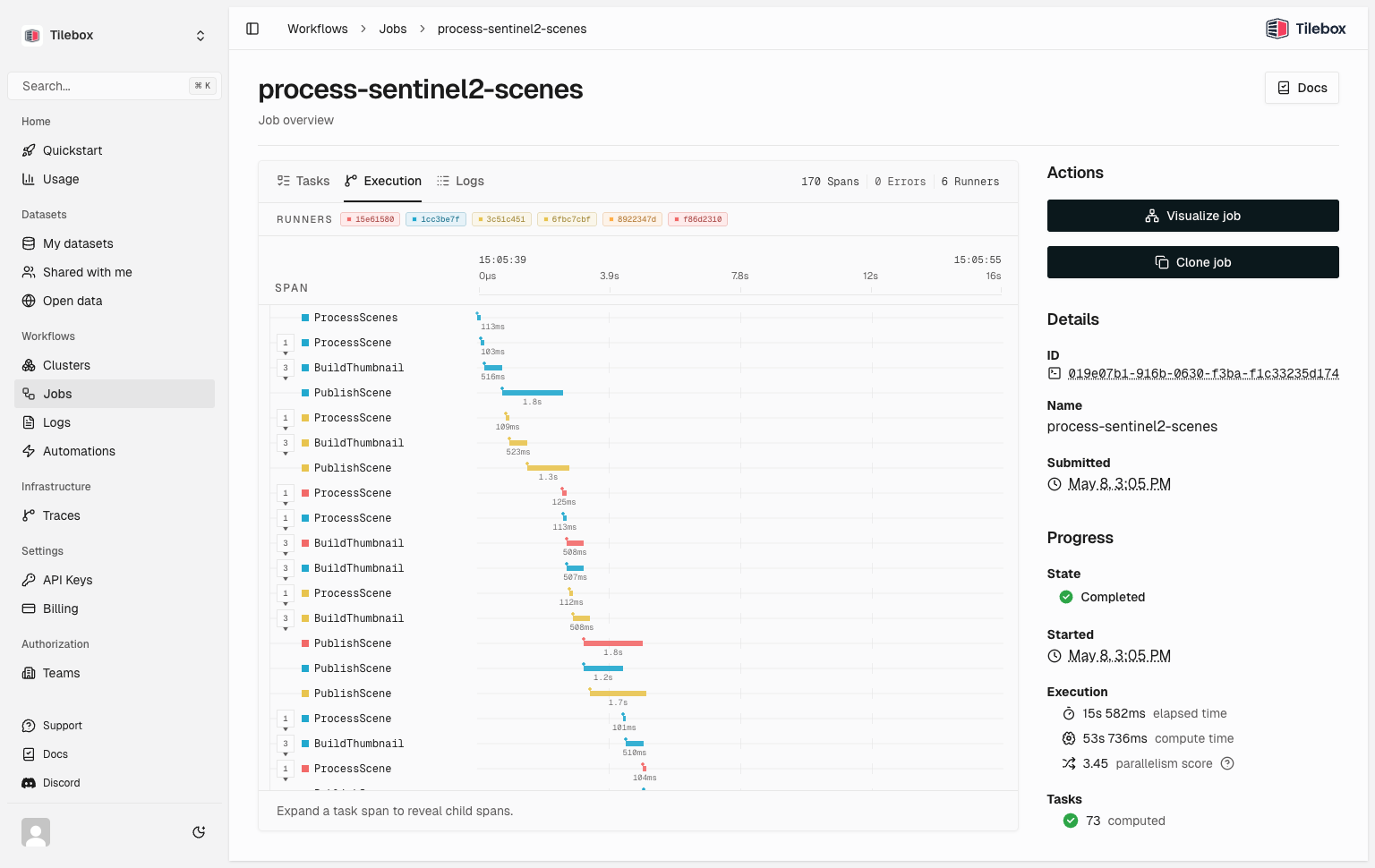
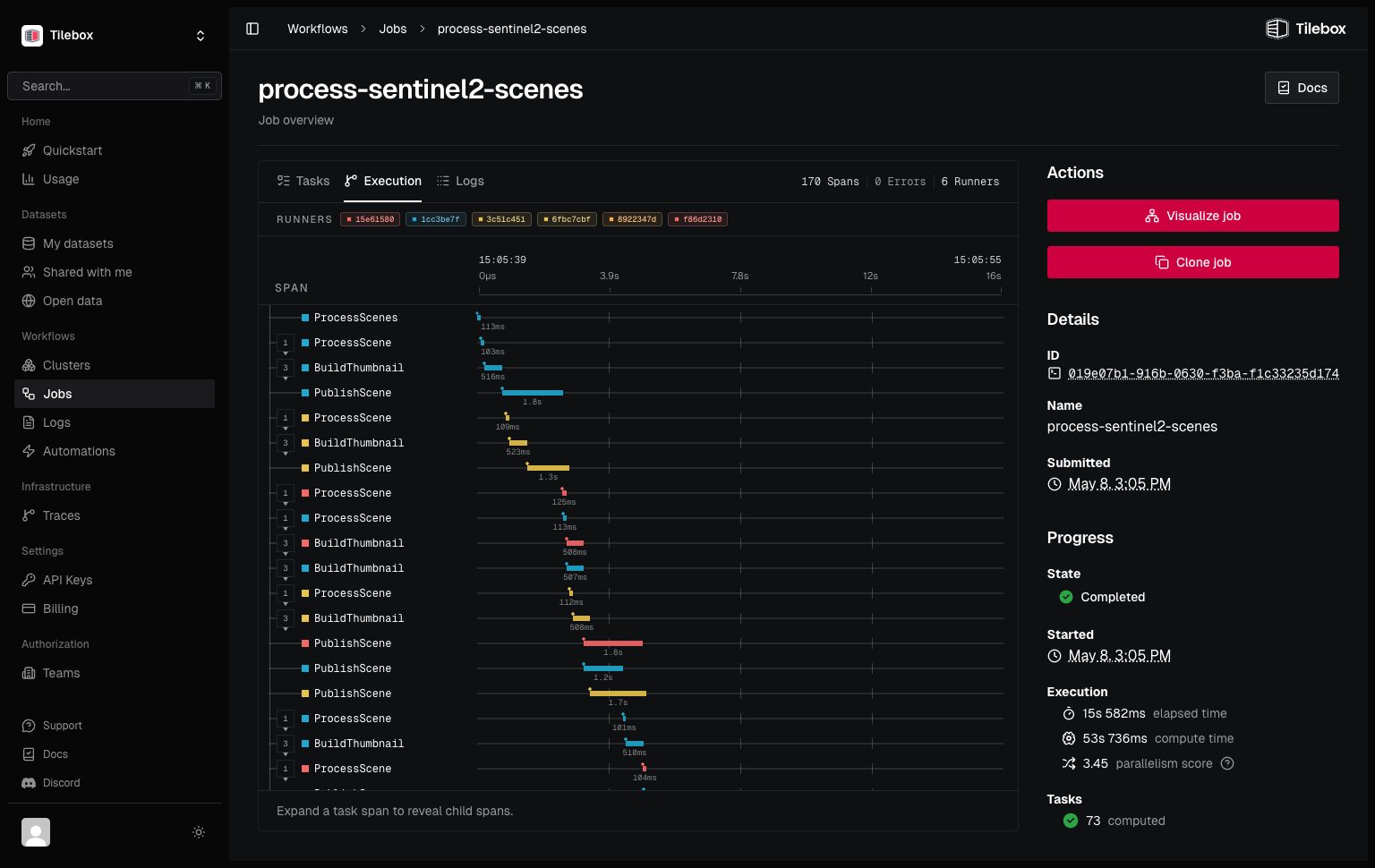
Use the built-in view for day-to-day debugging and operations. Add structured log fields and custom spans when you need more detail inside your task code.
How Tilebox observes workflows
A submitted job starts a trace. Each task run creates a span, and custom spans sit under the task that creates them. Log records emitted from task code attach to active spans, which connects messages to timing data.
Tilebox adds job, task, runner, and service metadata to telemetry records. This data helps you filter by job, inspect a single task run, or compare work across runners.
Observability example
from tilebox.workflows import Client, ExecutionContext, Task

class ProcessScene(Task):
    scene_id: str

    def execute(self, context: ExecutionContext) -> None:
        context.logger.info("Processing scene", scene_id=self.scene_id)

        with context.tracer.span("plan-subtasks"):
            thumbnail = context.submit_subtask(BuildThumbnail(scene_id=self.scene_id))
            context.submit_subtask(PublishScene(scene_id=self.scene_id), depends_on=[thumbnail])

class BuildThumbnail(Task):
    scene_id: str

    def execute(self, context: ExecutionContext) -> None:
        context.logger.info("Building thumbnail", scene_id=self.scene_id)

class PublishScene(Task):
    scene_id: str

    def execute(self, context: ExecutionContext) -> None:
        context.logger.info("Publishing scene", scene_id=self.scene_id)

client = Client(name="sentinel-2-runner")
runner = client.runner(tasks=[ProcessScene, BuildThumbnail, PublishScene])
runner.run_forever()package tasks
import (
"context"
"fmt"
"log/slog"
"github.com/tilebox/tilebox-go/workflows/v1"
"github.com/tilebox/tilebox-go/workflows/v1/subtask"
)
type ProcessScene struct {
SceneID string
}
func (t *ProcessScene) Execute(ctx context.Context) error {
slog.InfoContext(ctx, "processing scene", slog.String("scene_id", t.SceneID))
return workflows.WithSpan(ctx, "plan-subtasks", func(ctx context.Context) error {
thumbnail, err := workflows.SubmitSubtask(ctx, &BuildThumbnail{SceneID: t.SceneID})
if err != nil {
return fmt.Errorf("failed to submit thumbnail subtask: %w", err)
}
_, err = workflows.SubmitSubtask(ctx, &PublishScene{SceneID: t.SceneID}, subtask.WithDependencies(thumbnail))
if err != nil {
return fmt.Errorf("failed to submit publish subtask: %w", err)
}
return nil
})
}
type BuildThumbnail struct {
SceneID string
}
func (t *BuildThumbnail) Execute(ctx context.Context) error {
slog.InfoContext(ctx, "building thumbnail", slog.String("scene_id", t.SceneID))
return nil
}
type PublishScene struct {
SceneID string
}
func (t *PublishScene) Execute(ctx context.Context) error {
slog.InfoContext(ctx, "publishing scene", slog.String("scene_id", t.SceneID))
return nil
}The parent task, spawned subtasks, task logs, and spans share the same job trace. This keeps orchestration and task-level work connected.
Integrate with external observability platforms
If your team uses another observability platform, configure OpenTelemetry or Axiom export in the runner process. Tilebox keeps the workflow state, while your platform receives the same logs and traces for alerting, long-term storage, or analysis.