

Cron triggers
Schedule recurring workflow jobs using cron expressions so that tasks run automatically at defined intervals, without requiring manual job submission.
Creating Cron tasks
Cron tasks run repeatedly on a specified cron schedule. Define the task that the automation submits, then register its implementation with a runner.
from tilebox.workflows import ExecutionContext
from tilebox.workflows.automations import CronTask

class MyCronTask(CronTask):
    message: str

    def execute(self, context: ExecutionContext) -> None:
        # self.trigger is an attribute of the CronTask class,
        # which contains information about the trigger event
        # that caused this task to be submitted as part of a job
        context.logger.info(
            "Cron task triggered",
            message=self.message,
            trigger_time=self.trigger.time,
)type MyCronTask struct {
Message string
}
func (t *MyCronTask) Execute(ctx context.Context) error {
slog.InfoContext(ctx, "Cron task triggered", slog.String("message", t.Message))
return nil
}Registering a cron trigger
After implementing a cron task, register it with one or more schedules. The Python SDK provides a registration helper, and you can also register cron automations from the Tilebox Console. Each matching schedule submits a new job containing one task instance derived from the cron task prototype.
from tilebox.workflows import Client

client = Client()
automations = client.automations()
cron_automation = automations.create_cron_automation(
    "my-cron-automation",  # name of the cron automation
    MyCronTask(message="World"),  # the task (and its input parameters) to run repeatedly
    cron_schedules=[
        "*/15 * * * 1-5",  # every 15 minutes on weekdays in UTC
        "CRON_TZ=Europe/Vienna 0 9 * * 1-5",  # 09:00 on weekdays in Vienna
        "@daily",  # every day at midnight UTC
        "CRON_TZ=Europe/Vienna @daily",  # every day at midnight in Vienna
    ],
)Cron schedule syntax
Cron triggers accept standard five-field expressions. The fields specify the minute, hour, day of the month, month, and day of the week in that order.
┌───────────── minute (0–59)
│ ┌─────────── hour (0–23)
│ │ ┌───────── day of month (1–31)
│ │ │ ┌─────── month (1–12 or JAN–DEC)
│ │ │ │ ┌───── day of week (0–6 or SUN–SAT; 0 is Sunday)
│ │ │ │ │
* * * * *
Use * for every value, , for a list, - for a range, and / for a step. For example, */15 * * * * runs every 15 minutes, while 0 9-17 * * 1-5 runs hourly from 09:00 through 17:00 on weekdays.
If both day of month and day of week contain specific values, a trigger runs when either field matches. For example, 0 9 1 * MON runs at 09:00 on the first day of every month and on every Monday.
Schedules without an explicit timezone use UTC. Prefix a schedule with CRON_TZ=<timezone> to interpret it in an IANA timezone:
CRON_TZ=Europe/Vienna 0 9 * * 1-5This expression runs at 09:00 Vienna local time on weekdays. The corresponding UTC time changes automatically when Vienna enters or leaves daylight saving time.
Schedule helpers
You can replace a five-field expression with one of these helpers. Helpers use UTC unless you add a CRON_TZ prefix.
| Helper | Cron expression | Meaning |
|---|---|---|
@yearly or @annually |
0 0 1 1 * |
At midnight on January 1 |
@monthly |
0 0 1 * * |
At midnight on the first day of each month |
@weekly |
0 0 * * 0 |
At midnight every Sunday |
@daily or @midnight |
0 0 * * * |
At midnight every day |
@hourly |
0 * * * * |
At the start of every hour |
Timezone prefixes also work with helpers:
CRON_TZ=Europe/Vienna @dailyThis schedule runs every day at midnight in Vienna.
Schedule examples
| Schedule | Meaning |
|---|---|
0 * * * * |
At the start of every hour in UTC |
*/15 * * * * |
Every 15 minutes in UTC |
30 13 * * 3 |
Every Wednesday at 13:30 UTC |
0 9 1 * MON |
At 09:00 UTC on every Monday and every first day of the month |
CRON_TZ=Europe/Vienna 0 9 * * 1-5 |
At 09:00 Vienna time on weekdays |
@daily |
Every day at midnight UTC |
CRON_TZ=Europe/Vienna @daily |
Every day at midnight in Vienna |
@weekly |
Every Sunday at midnight UTC |
Starting a cron runner
Cron tasks run on any regular runner that has the task registered. Keep at least one such runner available to execute jobs submitted by the automation.
from tilebox.workflows import Client, Runner

client = Client()
runner = Runner(tasks=[MyCronTask])
runner.connect_to(client).run_forever()
If this runner runs continuously, its logs may resemble the following:
Cron task triggered message=World trigger_time=2023-09-25 16:12:00
Cron task triggered message=World trigger_time=2023-09-25 17:12:00
Cron task triggered message=World trigger_time=2023-09-25 18:12:00
Cron task triggered message=World trigger_time=2023-09-25 18:45:00
Cron task triggered message=World trigger_time=2023-09-25 19:12:00
Inspecting in the Console
The Tilebox Console provides a straightforward way to inspect all registered Cron automations.
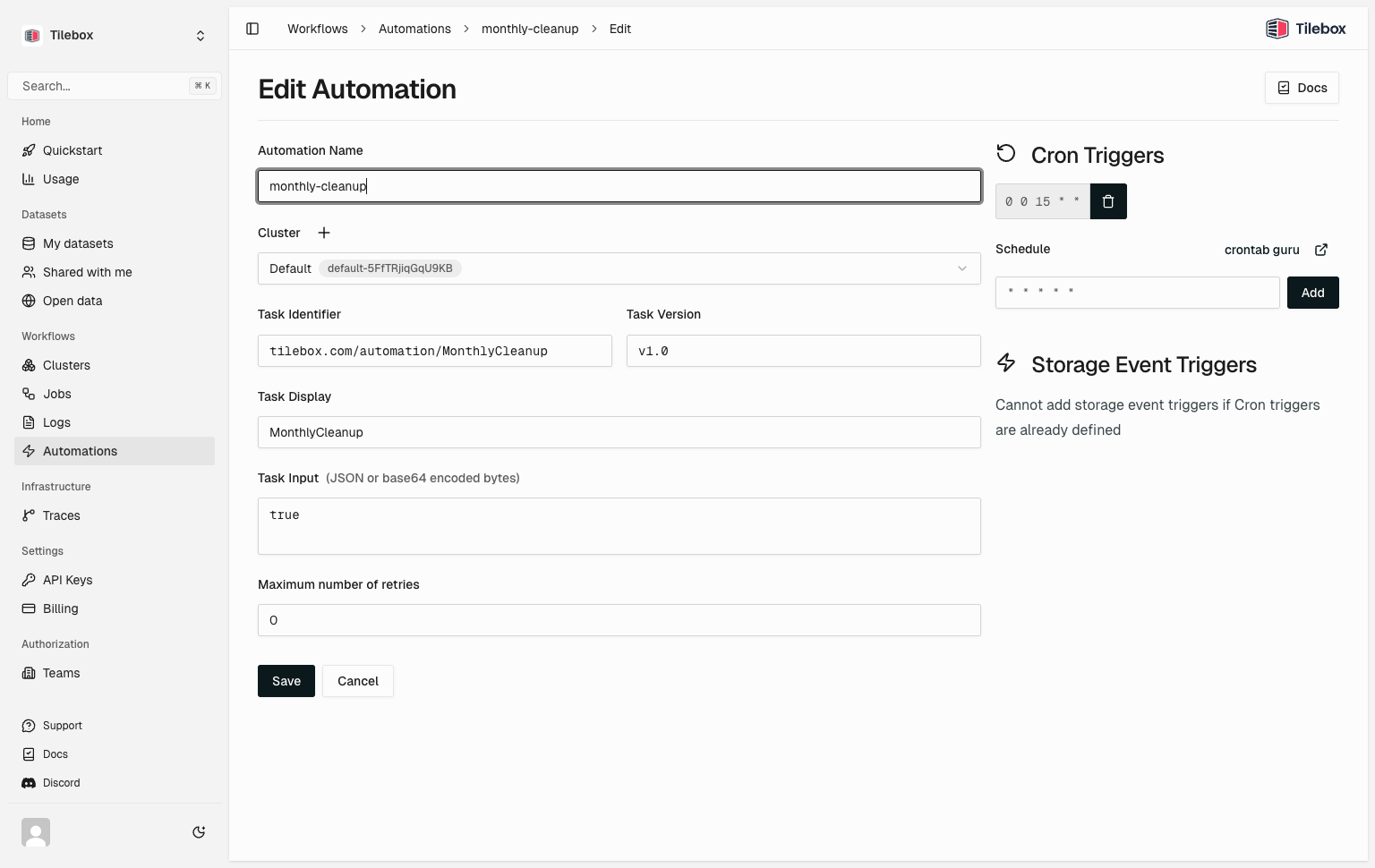
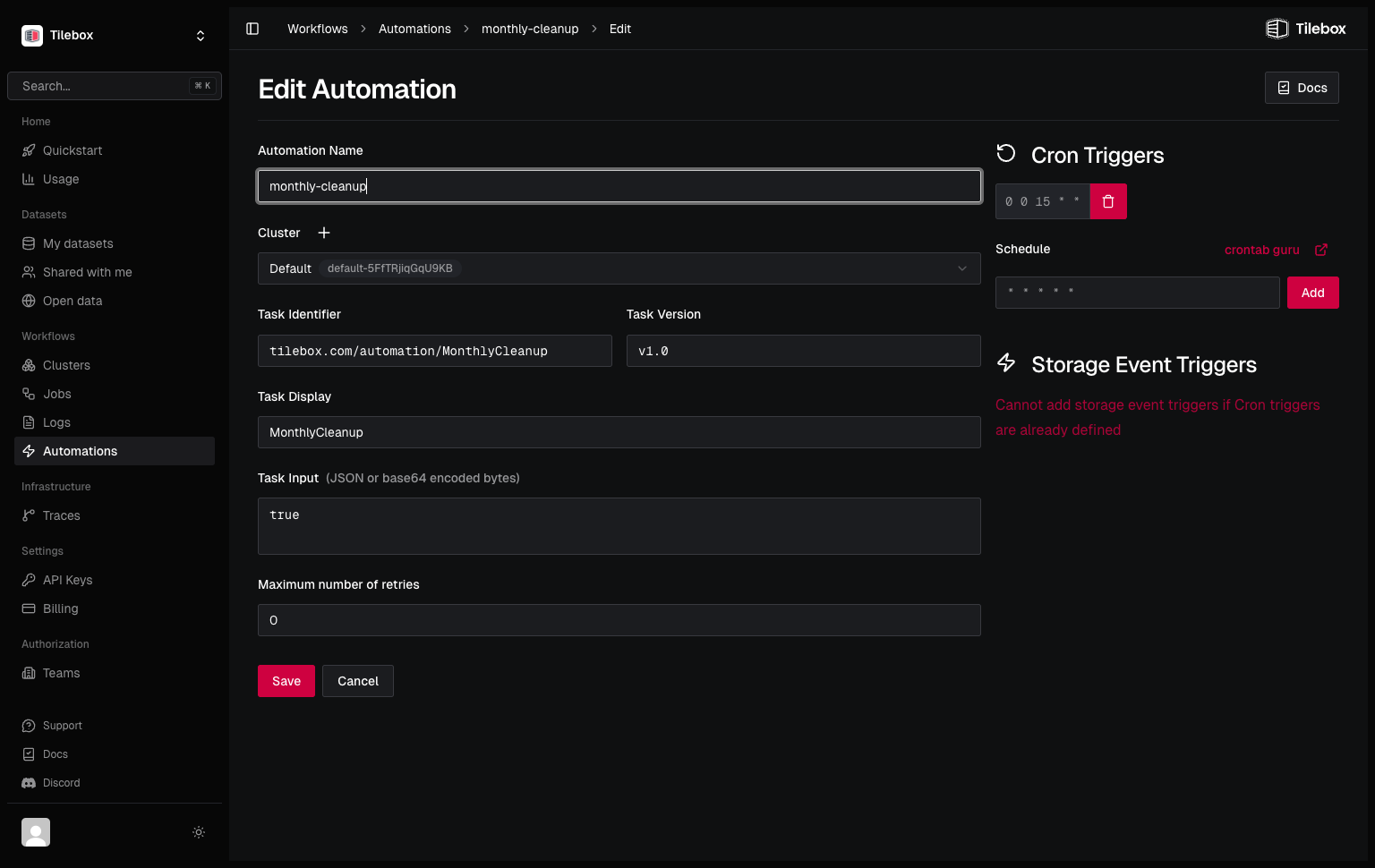
Use the console to view, edit, and delete the registered Cron automations.
You can also inspect registered cron triggers from the SDKs.
from tilebox.workflows import Client

client = Client()
automations = client.automations().all()

for automation in automations:
    for trigger in automation.cron_triggers:
print(automation.name, trigger.schedule)ctx := context.Background()
client := workflows.NewClient()
automations, err := client.Automations.List(ctx)
if err != nil {
slog.ErrorContext(ctx, "failed to list automations", slog.Any("error", err))
return
}
for _, automation := range automations {
for _, trigger := range automation.CronTriggers {
slog.InfoContext(ctx,
"cron trigger",
slog.String("automation", automation.Name),
slog.String("schedule", trigger.Schedule),
)
}
}Deleting Cron automations
To delete a registered Cron automation from Python, use automations.delete. You can also delete cron automations from the Tilebox Console. After deletion, no new jobs will be submitted by that Cron trigger. Past jobs already triggered will still remain queued.
from tilebox.workflows import Client

client = Client()
automations = client.automations()

# delete the automation as returned by create_cron_automation
automations.delete(cron_automation)

# or manually by id:
automations.delete("0190bafc-b3b8-88c4-008b-a5db044380d0")
Submitting Cron jobs manually
In Python, you can submit Cron tasks as regular tasks for testing purposes or as part of a larger workflow. To do so, instantiate the task with a specific trigger time using the once method.
from datetime import datetime, timezone

job_client = client.jobs()

# create a Cron task prototype
task = MyCronTask(message="Hello")

# submitting it directly won't work: raises ValueError:
# job_client.submit("manual-cron-job", task)

# instead trigger a cron task with the current time as the trigger time
job_client.submit("manual-cron-job", task.once())

# or specify a trigger time in the past or future
# irrespective of the trigger time, the task will always be scheduled to run immediately
job_client.submit(
    "manual-cron-job",
    task.once(datetime(2030, 12, 12, 15, 15, tzinfo=timezone.utc))
)