
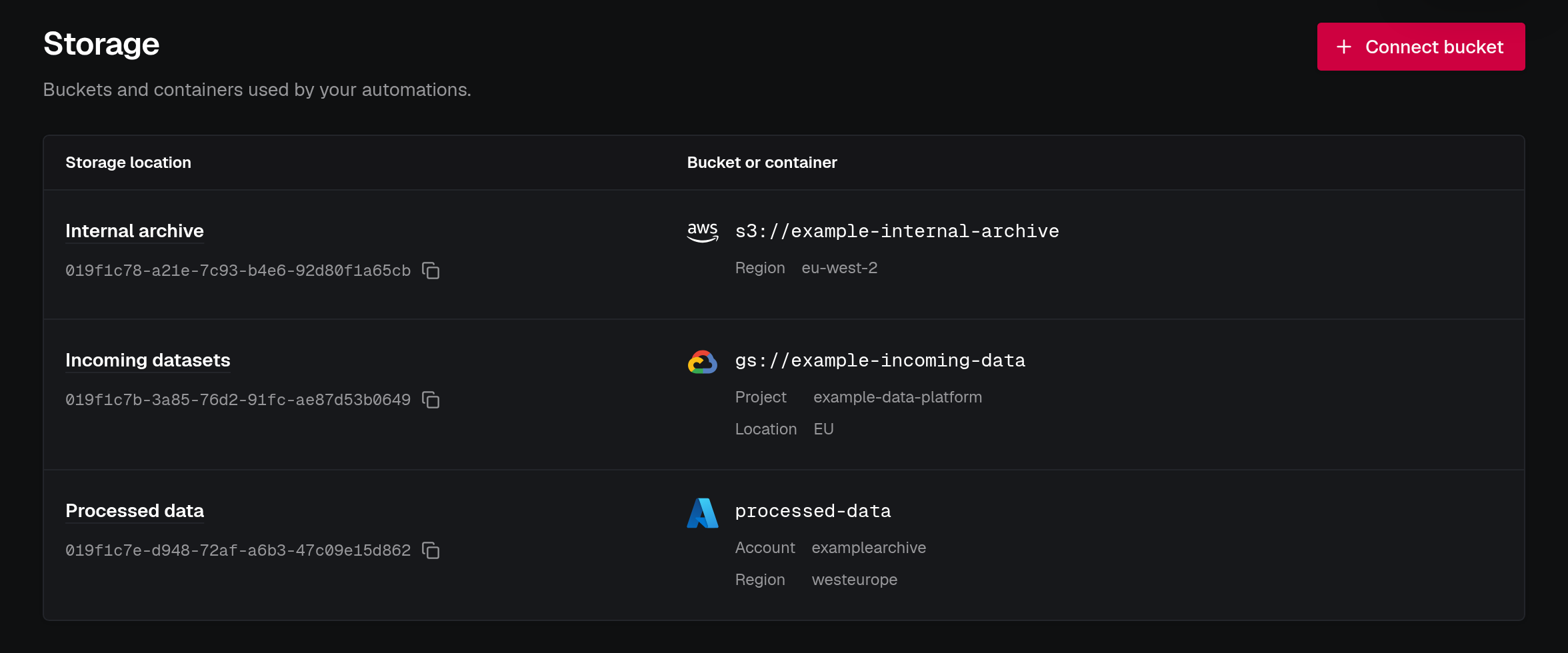
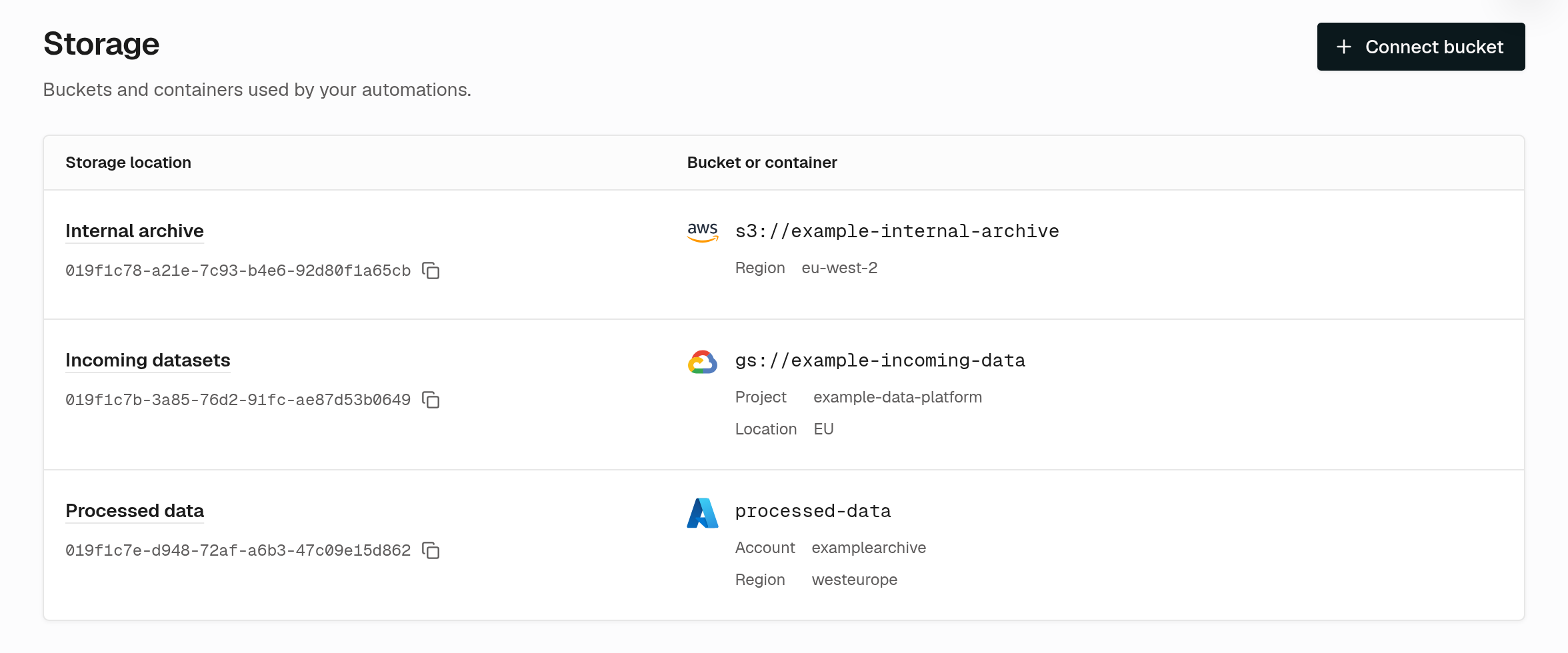
We’ve added a Storage page to the Console for connecting Amazon S3, Google Cloud Storage, and Azure Blob Storage to workflow automations. You can register a bucket or container, set up a notification subscription, and see incoming events alongside the jobs they trigger.
Use storage events to start a processing pipeline when raw satellite data (Level 0) arrives, when a commercial provider delivers imagery you’ve purchased or tasked, or when customers upload files to your platform.
Once storage notifications and an automation are configured, incoming files submit jobs for your runners to execute. With that setup, you can iterate on your geospatial processing code, even locally, without touching infrastructure code. For example, you can submit storage-event tasks manually for an existing file and execute them with a local runner. The storage-event task guide shows how to test these tasks during development.
The catalog demo uses one ingestion task for both a 5,000-product backfill and new arrivals from a storage automation.
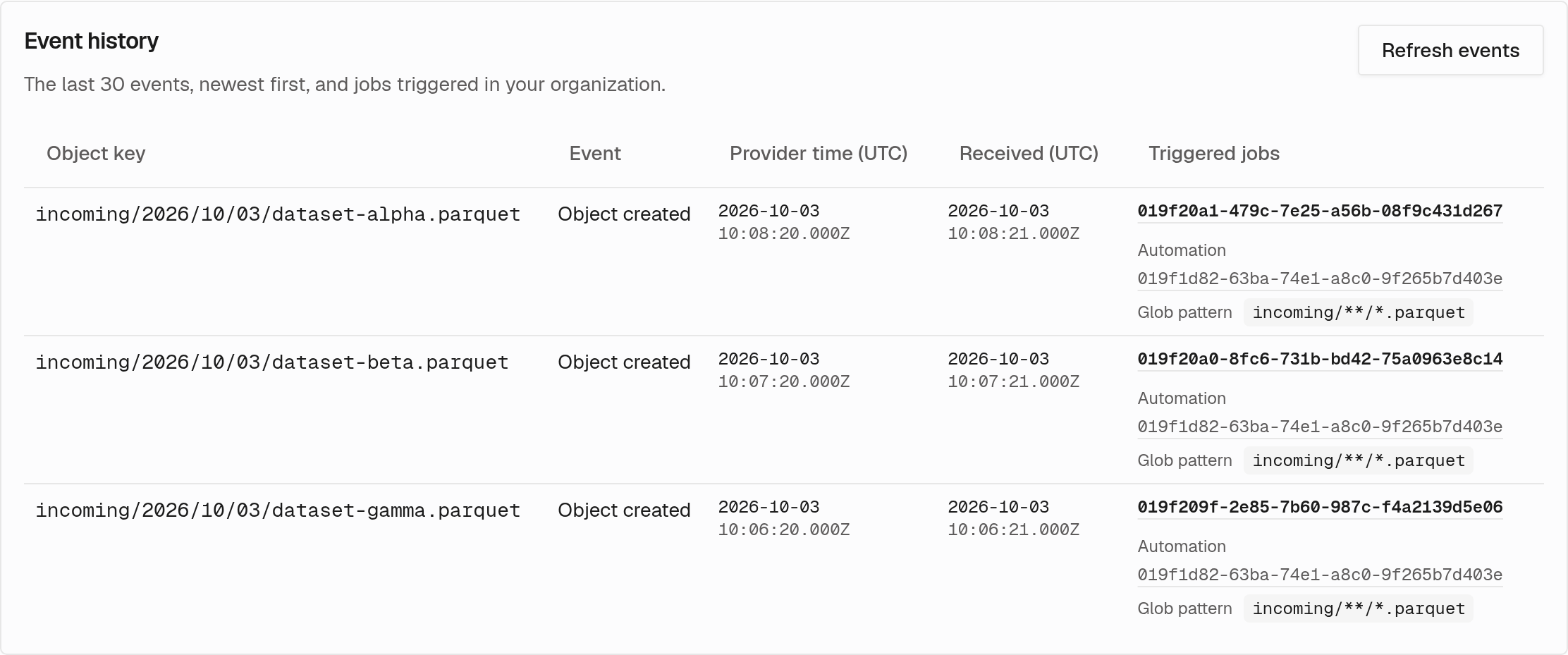
Event history shows which object arrived and links to the resulting jobs, so you can follow the upload through to execution.
Create a storage connection and an automation for incoming files.
Follow the setup guide for your cloud storage provider.