
We’ve added environment variable and secret management to Tilebox. Add API keys, tokens, and settings through the Console or CLI, then assign them to your clusters.
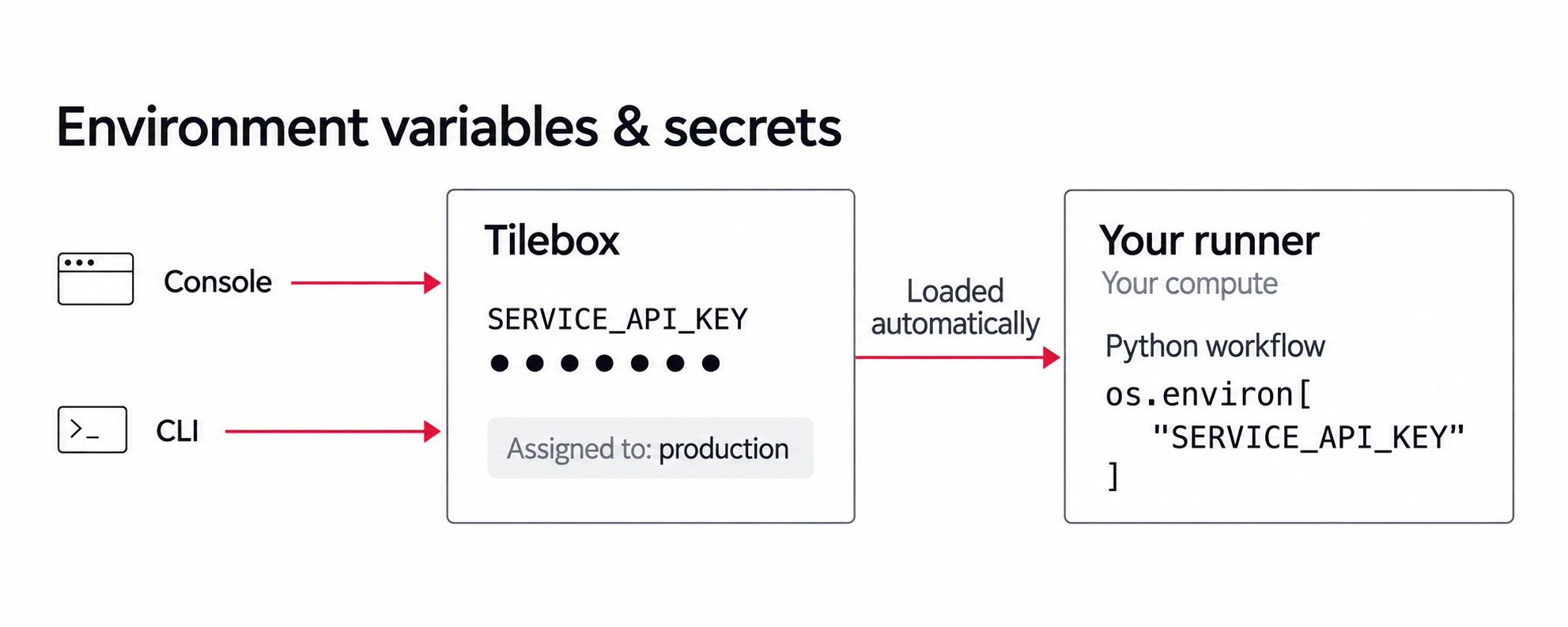
Run the same workflow release in development and production with different credentials. Set shared defaults for all clusters and override them where needed.
For an existing production cluster, set a secret from a local file:
tilebox variable create \
  SERVICE_API_KEY --secret \
  --cluster production \
  --value-file ./service-api-key.txt
Your Python tasks read the value directly:
import os

api_key = os.environ["SERVICE_API_KEY"]
Rotate a token or change an API endpoint, and your release runner automatically restarts the Python workflow processes with the updated values. You don’t need to publish another release or restart the runner yourself.
Set up environment variables and secrets
Add your first variable in the Console or CLI.