
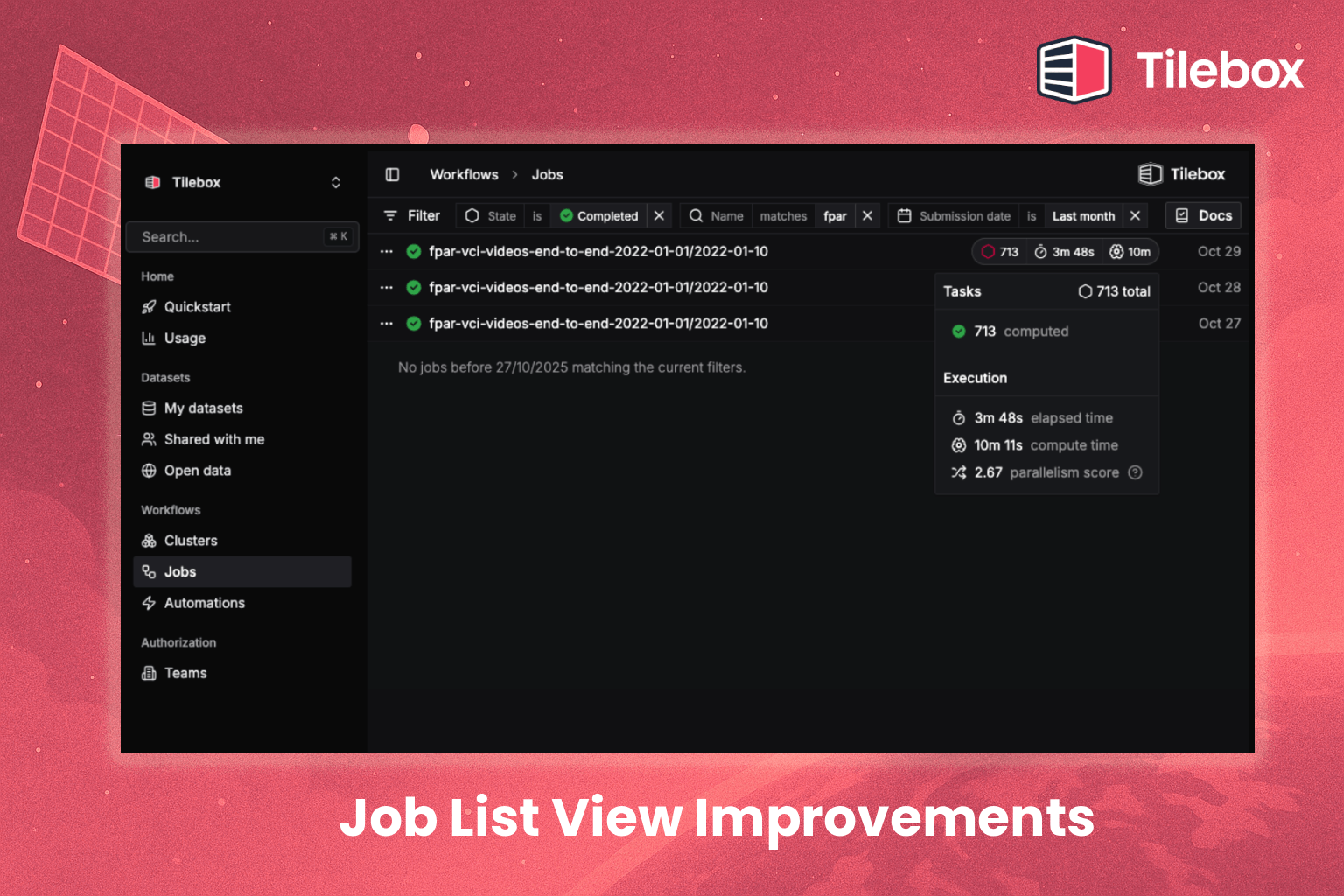
We’ve redesigned the job list in the Console to make a busy workspace easier to follow. Progress indicators and execution statistics give you more information about each run at a glance, and you can keep scrolling through long job histories without switching pages.
New filters help you focus on a particular set of jobs. Combine status, name, time range, and automation—for example, to find failed runs from one scheduled workflow during the past week.
That makes the list useful both for a quick check of current activity and for finding a specific run later. The same filtering options are also available to teams building their own tools with our SDKs.
Open the Console to explore the new job list.