
Open a failed job in the Tilebox Console to see which task failed and why. The Overview puts the recorded exception and traceback next to the task’s latest log messages.
Tilebox automatically traces each task as it runs and links the logs it emits to that trace. The Overview pulls out the details of the failure so you don’t have to search the full job trace to find where things went wrong.
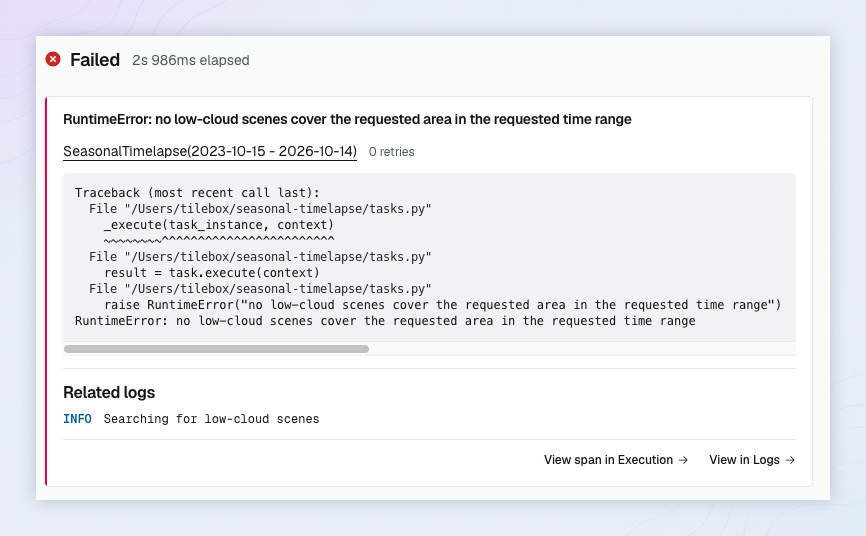
Select View span in Execution to jump to the failed operation in the full trace, or View in Logs to read the rest of that task’s logs.