Installation
Install the Tilebox Python SDK packages using your preferred package manager to start working with datasets, workflows, and satellite data storage.
Package Overview
Tilebox offers a Python SDK for accessing Tilebox services. The SDK includes separate packages that can be installed individually based on the services you wish to use, or all together for a comprehensive experience.
tilebox-datasets
Access Tilebox datasets from Python
tilebox-workflows
Workflow client and runner for Tilebox
tilebox-storage
Read and download assets from object storage
Installation
Install the Tilebox python packages using your preferred package manager.
uv add tilebox-datasets tilebox-workflows tilebox-storagepip install tilebox-datasets tilebox-workflows tilebox-storagepoetry add tilebox-datasets="*" tilebox-workflows="*" tilebox-storage="*"pipenv install tilebox-datasets tilebox-workflows tilebox-storageNative Windows workflow runners require tilebox-workflows 0.64.0 or newer. If you are upgrading an existing project, update its dependency constraint and lockfile before building a new release. Your workflow’s other Python dependencies must also support Windows.
Setting up a local JupyterLab environment
If you want to set up a local Jupyter environment to explore the SDK or to run the Sample notebooks locally, install JupyterLab for a browser-based development environment. It’s advised to install the Tilebox packages along with JupyterLab, ipywidgets, and tqdm for an enhanced experience.
mkdir tilebox-exploration
cd tilebox-exploration

uv init --no-package
uv add tilebox-datasets tilebox-workflows tilebox-storage
uv add jupyterlab ipywidgets tqdm
uv run jupyter lab
Trying it out
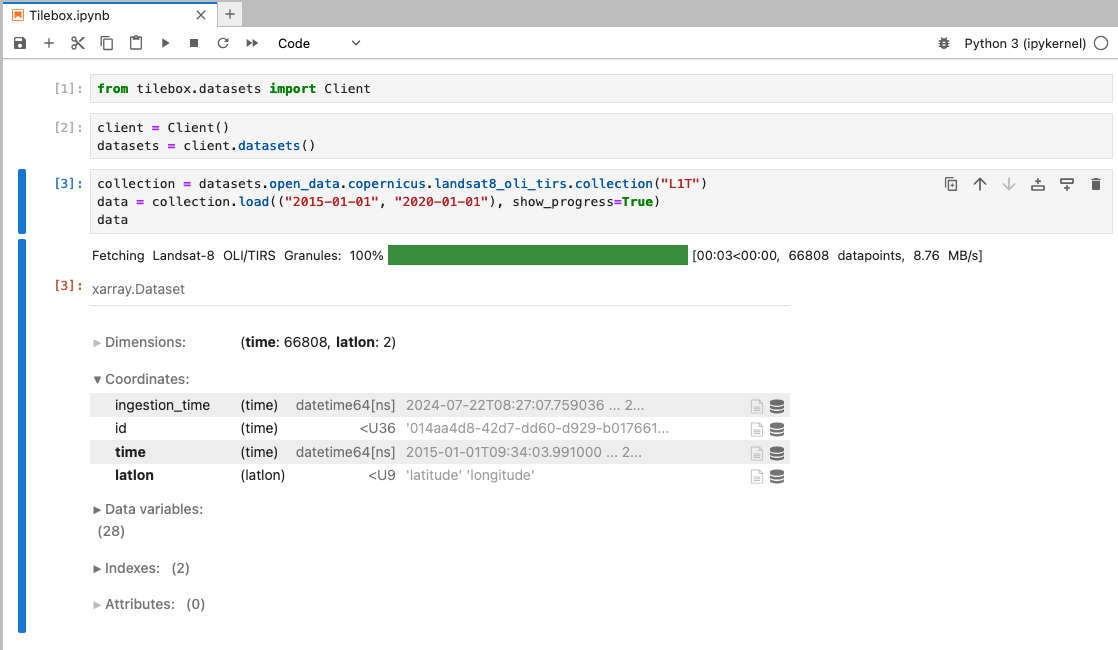
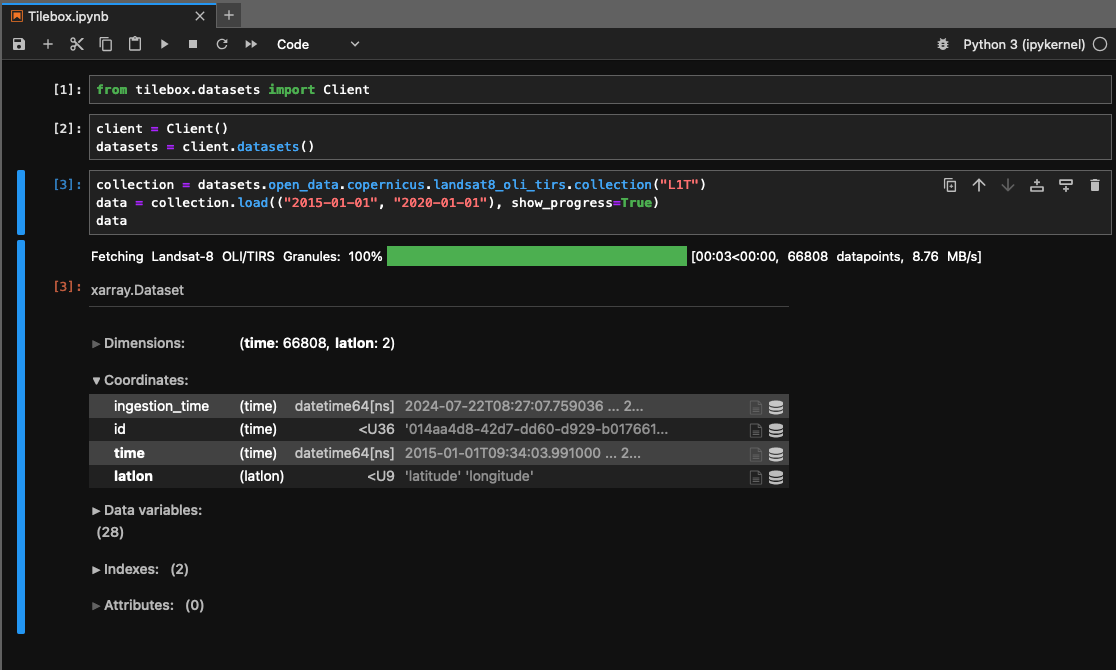
After installation, create a new notebook and paste the following code snippet to verify your installation. If you’re new to Jupyter, you can refer to the guide on interactive environments.
from tilebox.datasets import Client

client = Client()
datasets = client.datasets()

collection = datasets.open_data.aws_earth.sentinel2.collection("L2A")
data = collection.query(temporal_extent=("2025-01-01", "2025-01-02"), show_progress=True)
data
If the installation is successful, the output should appear as follows.