---
title: "Installation"
description: "Install the Tilebox Python SDK packages using your preferred package manager to start working with datasets, workflows, and satellite data storage."
image: "https://tilebox.com/images/tilebox-docs-social-preview.png"
---
> Documentation Index
> Fetch the complete documentation index at: https://tilebox.com/docs/llms.txt
> Use this file to discover all available pages before exploring further.
# Installation
import { CodeGroup } from "@docs/components/ui/code-group";
import { CardGrid } from "@docs/components/ui/card-grid";
import { Frame } from "@docs/components/ui/frame";
import { LinkCard } from "@docs/components/ui/link-card";
## Package Overview
Tilebox offers a Python SDK for accessing Tilebox services. The SDK includes separate packages that can be installed individually based on the services you wish to use, or all together for a comprehensive experience.
Access Tilebox datasets from Python
Workflow client and runner for Tilebox
Read and download assets from object storage
## Installation
Install the Tilebox python packages using your preferred package manager.
:::tip
For new projects Tilebox recommend using [uv](https://docs.astral.sh/uv/).
:::
```bash title="uv"
uv add tilebox-datasets tilebox-workflows tilebox-storage
```
```bash title="pip"
pip install tilebox-datasets tilebox-workflows tilebox-storage
```
```bash title="poetry"
poetry add tilebox-datasets="*" tilebox-workflows="*" tilebox-storage="*"
```
```bash title="pipenv"
pipenv install tilebox-datasets tilebox-workflows tilebox-storage
```
## Setting up a local JupyterLab environment
:::tip
To get started quickly, you can also use an existing Jupyter-compatible cloud environment such as [Google Colab](https://colab.research.google.com/).
:::
If you want to set up a local Jupyter environment to explore the SDK or to run the [Sample notebooks](/docs/sdks/python/sample-notebooks) locally, install [JupyterLab](https://github.com/jupyterlab/jupyterlab) for a browser-based development environment. It's advised to install the Tilebox packages along with JupyterLab, [ipywidgets](https://ipywidgets.readthedocs.io/en/latest/user_install.html), and [tqdm](https://tqdm.github.io/) for an enhanced experience.
```bash title="uv"
mkdir tilebox-exploration
cd tilebox-exploration
uv init --no-package
uv add tilebox-datasets tilebox-workflows tilebox-storage
uv add jupyterlab ipywidgets tqdm
uv run jupyter lab
```
### Trying it out
After installation, create a new notebook and paste the following code snippet to verify your installation. If you're new to Jupyter, you can refer to the guide on [interactive environments](/docs/sdks/python/sample-notebooks#interactive-environments).
```python title="Python"
from tilebox.datasets import Client
client = Client()
datasets = client.datasets()
collection = datasets.open_data.aws_earth.sentinel2.collection("L2A")
data = collection.query(temporal_extent=("2025-01-01", "2025-01-02"), show_progress=True)
data
```
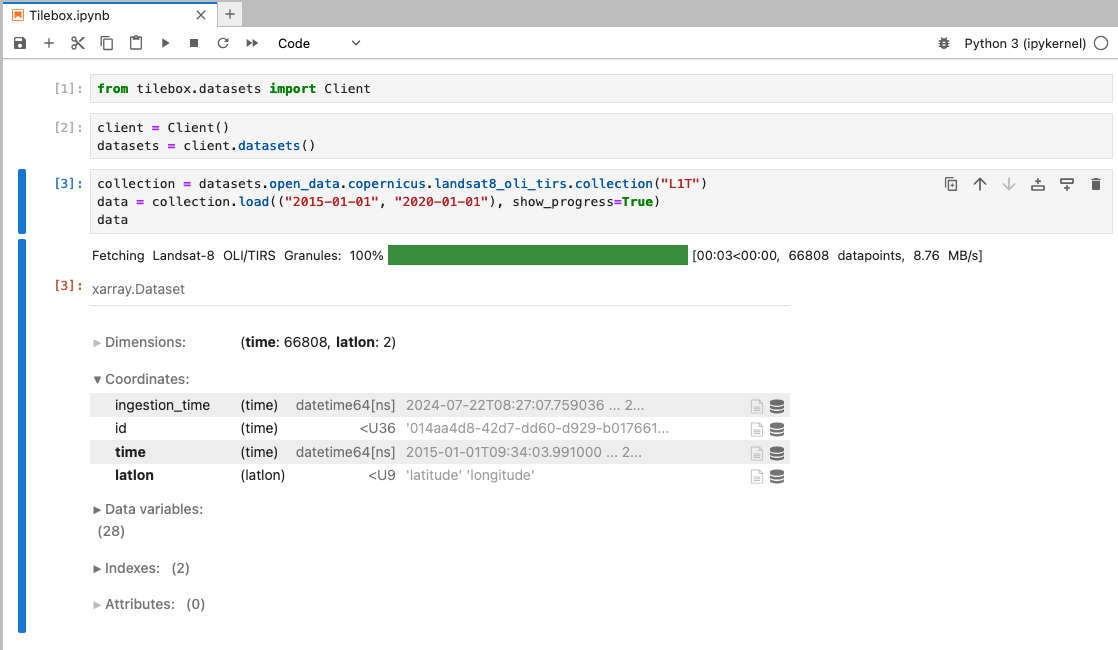
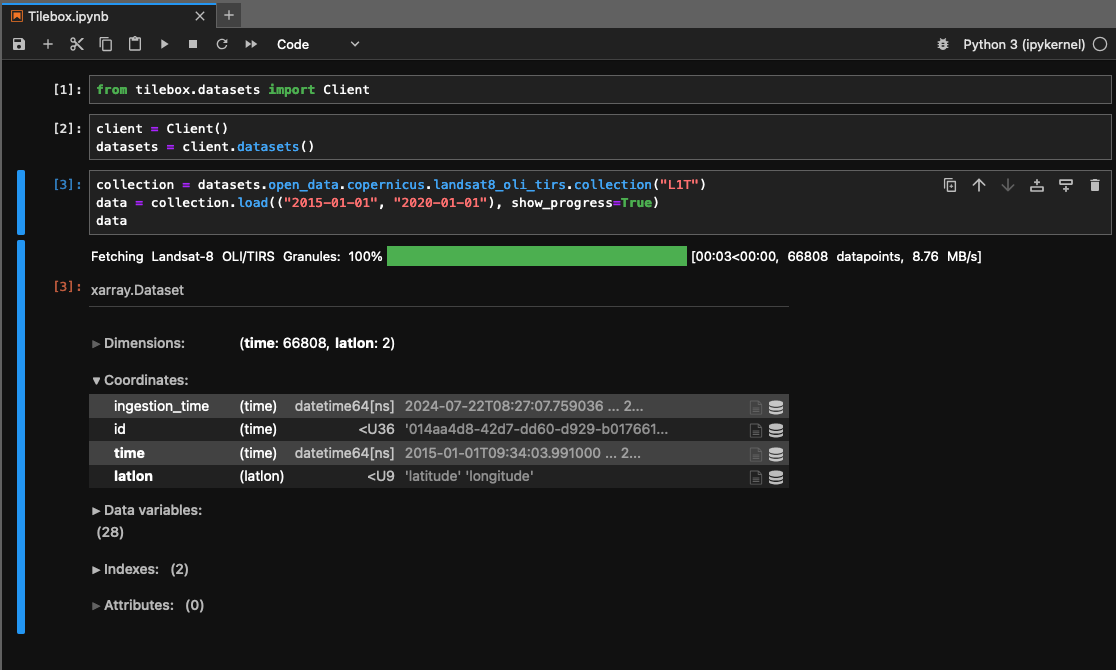
If the installation is successful, the output should appear as follows.
 Source: https://tilebox.com/docs/sdks/python/install/index.mdx