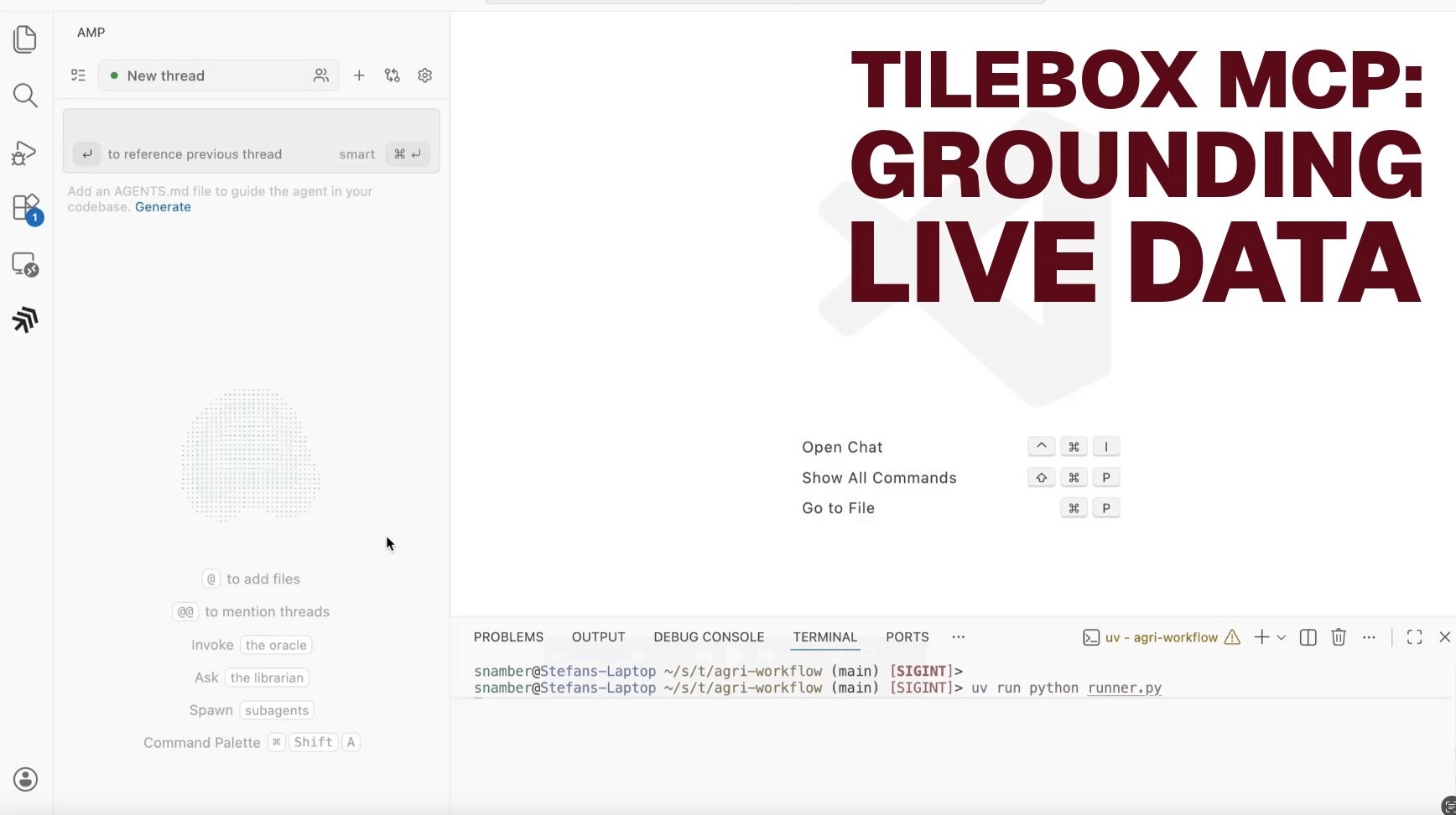
Connecting AI Assistants with Tilebox: Grounding LLMs in Live Space Data
Tilebox now supports MCP Servers to bridge the gap between Large Language Models and your dynamic space data. Built on the open Model Context Protocol, this integration allows Large Language Models (LLMs) to interact directly with your live Tilebox environment. This provides responses grounded in your actual data schemas and job statuses.
Static documentation is often insufficient for high velocity space data engineering. To build reliable pipelines, your AI assistants need more than general knowledge. They require real time context from your specific datasets and workflows.
What is the Tilebox MCP Server?
The Model Context Protocol (MCP) establishes a standardized connection between AI applications and external data. The Tilebox MCP server exposes tools that enable your assistant to:
Introspect Schemas: Retrieve the precise, up-to-the-minute schema of your custom datasets (including field types and descriptions).
Query Datasets: Assistants can list and filter data points directly from the chat interface.
Monitor Workflows: Check the status of Jobs, visualize task dependencies, and identify failures in your Task Runners in real time.
When an AI tool like Claude Code, Cursor, Amp, or OpenAI Codex is configured with the Tilebox MCP server, it can proactively invoke these relevant tools. For example, when you ask a question or request to write code about a specific dataset, the AI tool can query the Tilebox MCP server for the precise, current dataset schema, using that accurate information to generate the code and ground its response.
How the Tilebox MCP Server Works
Tilebox offers one comprehensive MCP server to cover both operational data (datasets and workflows) and documentation: https://mcp.tilebox.com/
Purpose: Provides tools for accessing and interacting with Tilebox datasets and workflows. It also provides access to the official Tilebox documentation.
Requirement: Requires authentication using a Tilebox API key.
This single server allows an AI assistant to learn the general syntax and usage of Tilebox APIs and then customize its responses or generated code based on the actual available datasets and their exact schema.
Customized Coding Assistant: A developer is using an AI coding assistant (like Claude or Cursor) to write a script that interacts with a specific Tilebox dataset.
API Syntax Learning: The assistant uses the docs MCP server (
https://docs.tilebox.com/mcp) to learn the general syntax and usage of the Tilebox APIs.Crucially, it then queries the data/workflow MCP server (
https://mcp.tilebox.com/) to retrieve the current, precise schema of the target dataset.Benefit: By grounding documentation syntax with live data schemas, the AI assistant generates code that is:
Syntactically correct and follows the latest Tilebox SDK patterns for Go or Python.
Contextually accurate and uses the exact field names and data types (e.g., cloud_cover, precise_time) from your specific collection.
Error-proof by preventing common runtime errors caused by typos in field strings or mismatched schema expectations.
Dynamic and Grounded Q&A: An analyst needs a quick answer to a question that requires live data context, such as "What was the total workflow run time yesterday?"
The AI assistant leverages the data/workflow MCP server's tools to query the live datasets and workflows in Tilebox.
Benefit: The AI provides an accurate, up-to-the-minute answer that is explicitly grounded in the live Tilebox data, allowing the user to trust the output without manual verification.
Configuration & Setup
You can connect your AI tools to Tilebox using the http transport.
1. JSON Configuration Snippet
For the data/workflow server, remember to include an Authorization header with your Tilebox API key as the bearer token. Use this for tools like Cursor or the Claude Desktop app. Replace the placeholder with your Tilebox API Key created in the Console.
2. For Claude Code CLI
Add these servers directly via your terminal:
Note: You can still download our full documentation as a markdown file at docs.tilebox.com/llms-full.txt and upload it manually to any LLM.
A practical demo of grounding LLMs in live operational data using MCP
MCP in Action
The following scenarios illustrate how the Tilebox MCP server transforms your AI assistant into a proactive operations partner.
1. Precision Spatio Temporal Filtering
Traditional AI assistants often hallucinate field names for geospatial data. With MCP, the assistant queries your live collection schema before writing any code.
User Prompt: "Write a Python script to find all Sentinel 2 granules from last week that fully contain the city of Denver."
AI Action: The assistant uses the Tilebox MCP tool to retrieve the live schema for the Sentinel 2 dataset.
AI Output: It generates a script using
spatial_extentwithmode: containsfor a polygon around Denver. This ensures the query is technically valid on the first run.
2. Multi Cluster Job Monitoring
Monitoring distributed execution across heterogeneous environments is often complex. The MCP server allows your AI to act as a mission control interface.
User Prompt: "Check the status of the Mosaic job. Are the GPU intensive tasks stuck on the cloud cluster?"
AI Action: The assistant invokes tools to find the Job ID and filters tasks by their assigned
cluster_slug.AI Output: "The root task is running on your on prem cluster. However, 12 subtasks assigned to the gpu cloud cluster are currently in the QUEUED state because no Task Runners are active in that cluster."
3. Automated Error Diagnostics
When a workflow fails, you can use the AI to identify the exact point of failure without digging through logs manually.
User Prompt: "Why did my last data ingestion job fail?"
AI Action: The assistant queries the most recent Job with a FAILED state and retrieves the error message reported to the orchestrator.
AI Output: "The task LoadCSV failed on Task Runner node 7 with a ValueError: Invalid UUID. One of the IDs in your source file does not match the required schema for the id field."
By adopting an open protocol approach, Tilebox ensures your AI assistant remains a peer in your infrastructure while staying agnostic, scalable, and secure. This is the crucial step in reducing downtime and accelerating payload-to-platform revenue.
