

Agentic Workflows
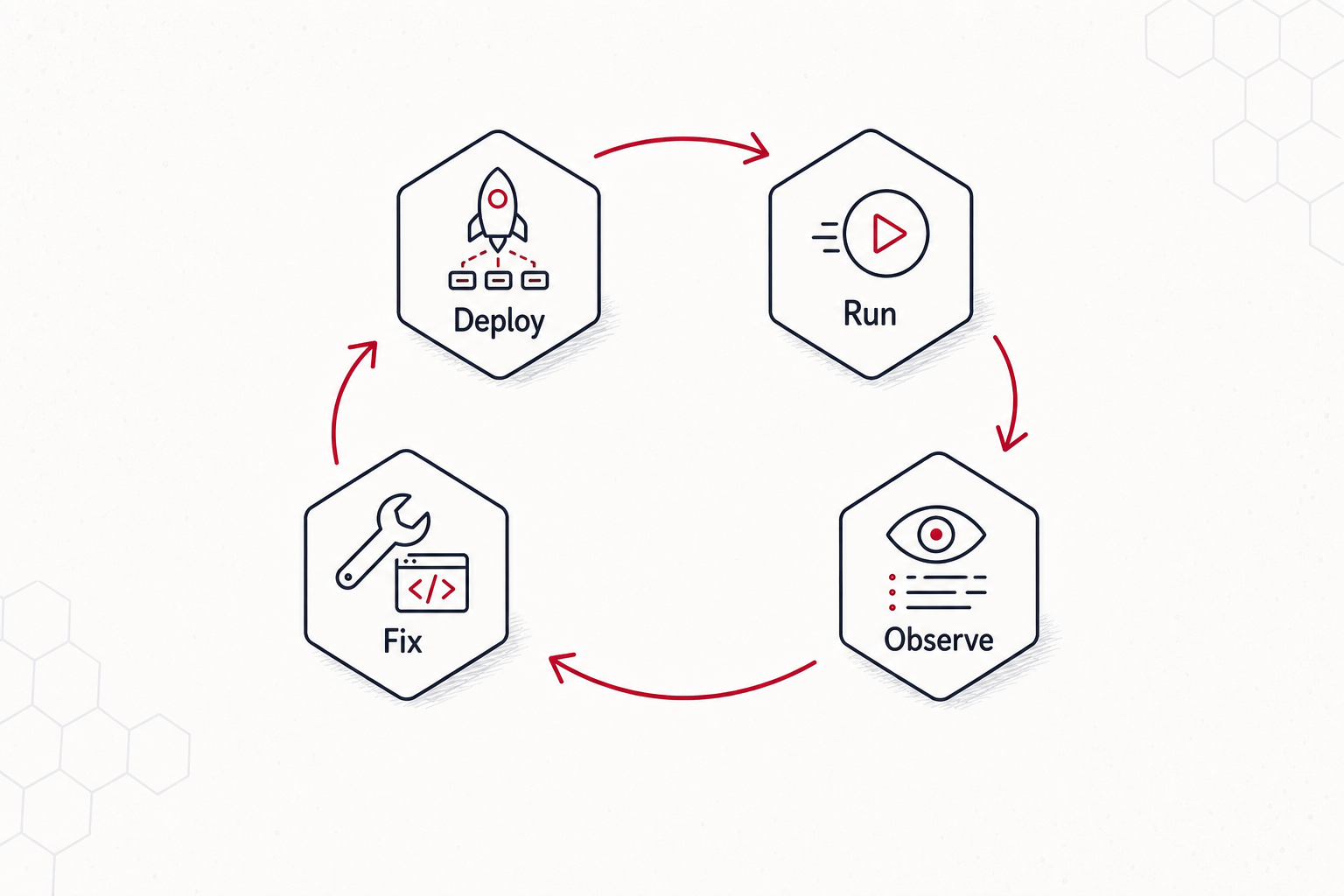
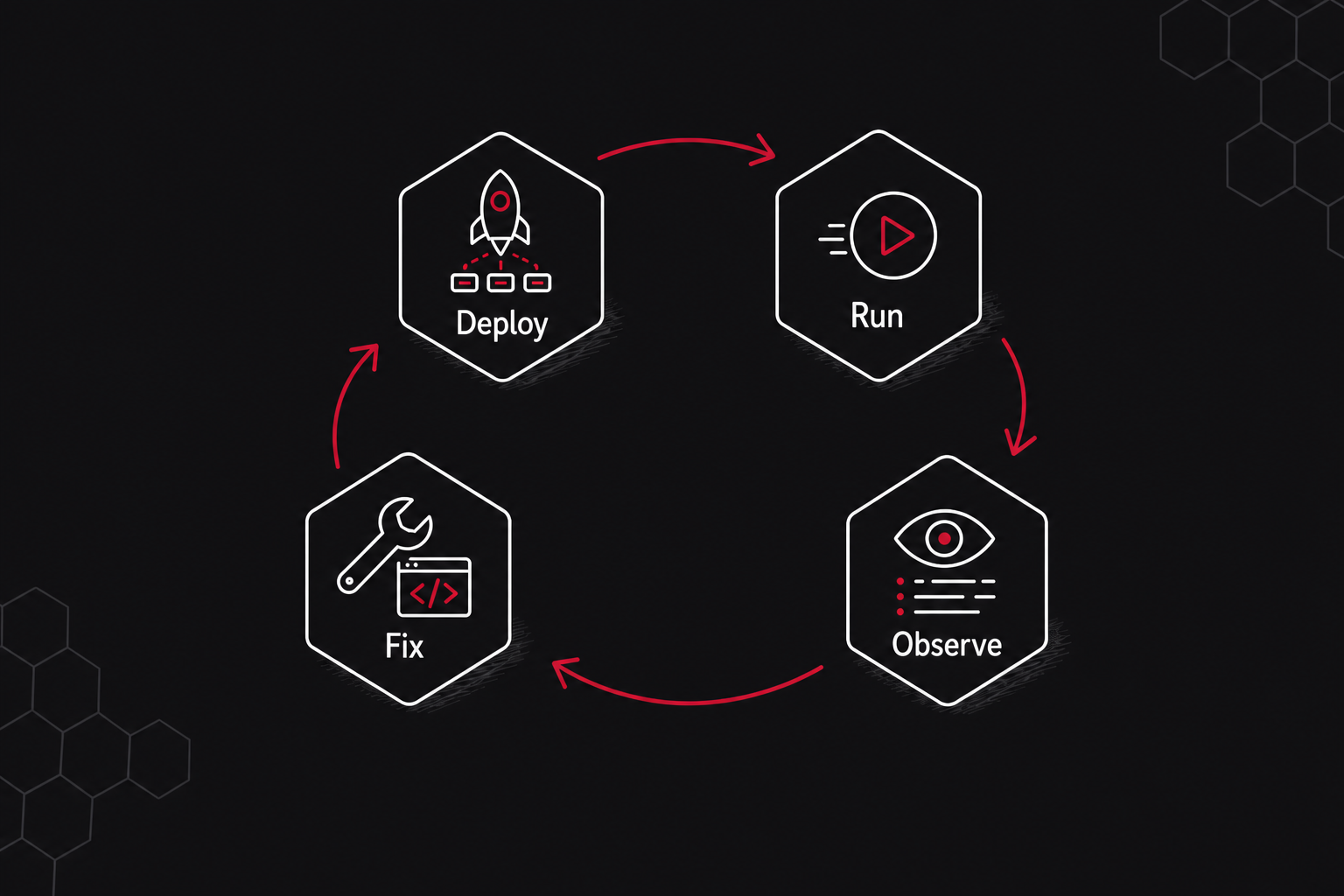
Tilebox Workflows now supports workflow release publishing and cluster deployments. This adds a new release-based execution path to the workflow orchestrator: package a Python workflow project, publish an immutable release, deploy it to a cluster, run it on release runners, and inspect the resulting job logs and execution traces.
The release path is designed for closed-loop workflow iteration by developers and agents. An agent can edit workflow code, publish a release, deploy it to a development cluster, submit a test job, inspect the failed task logs or spans, apply a fix, and retry or submit the next job without leaving the same command-line workflow.
A typical iteration looks like this:
bash
tilebox workflow publish-release --json
tilebox workflow deploy-release --latest --target production --json
tilebox job submit --task tilebox.com/example/ProcessScene --cluster workflow-dev --json
tilebox job wait <job-id>
tilebox job logs <job-id> --json
What changed
- Release runners. Release runners run in an environment you control, watch a cluster, load the deployed releases for that cluster, and execute compatible tasks without rebuilding the runner process for every workflow code change.
- Workflow release publishing. A workflow is now a long-lived object with a stable slug, and each release captures a concrete version of the workflow project, runtime entrypoint, selected files, and discovered task identifiers.
- Project-local workflow configuration.
tilebox.workflow.tomlbinds a repository directory to a workflow slug, build inputs, runtime entrypoint, and optional deployment targets, so commands can use the local project as context. - Cluster deployments. Publishing and deploying are separate steps. A release can be deployed to one or more clusters, and different clusters can run different releases of the same workflow.